A Markdown editor for Mac, iPhone and iPad
A little space
for your words.
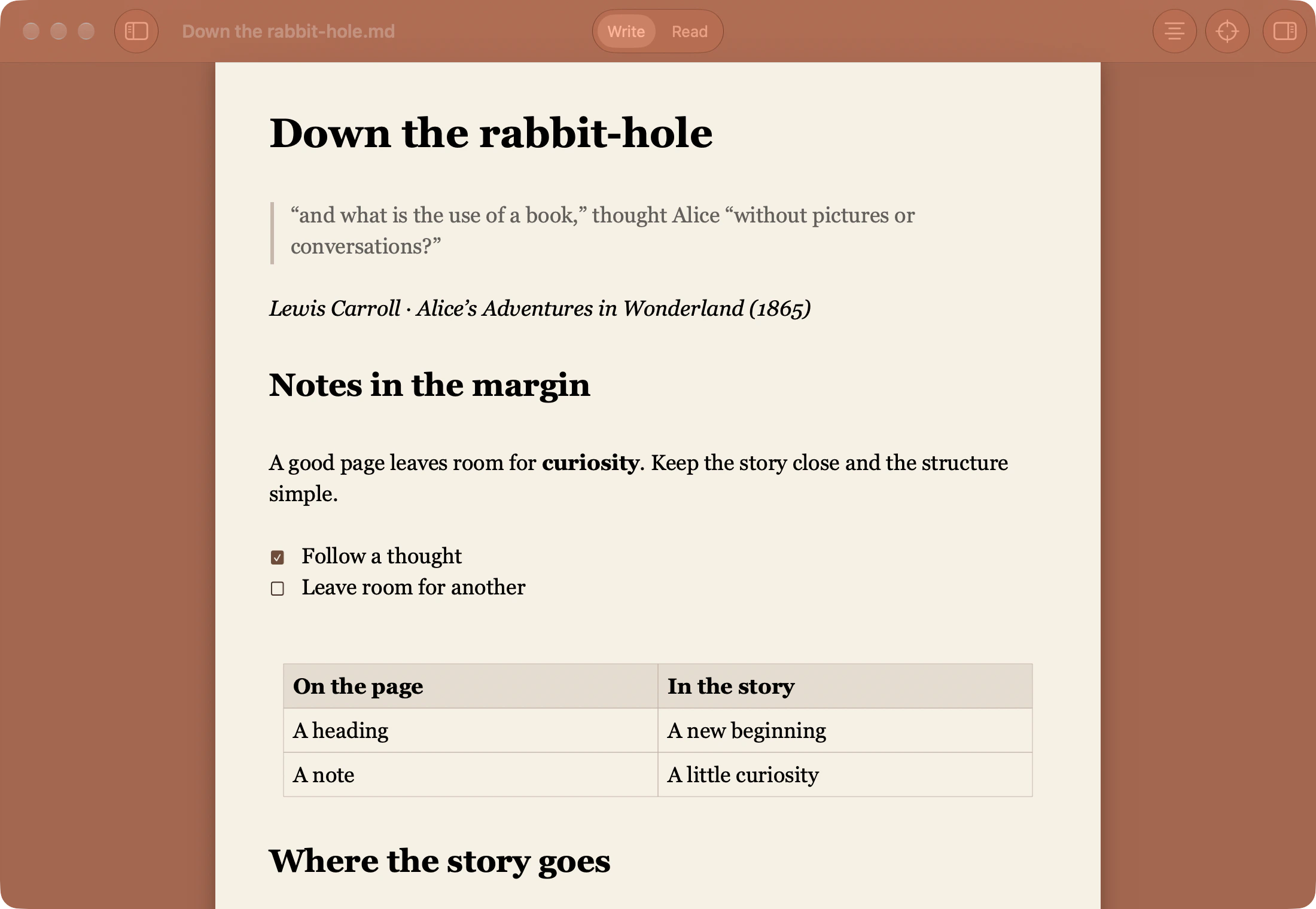
Write in plain Markdown and watch it settle into a page you would want to read. Step into any line and the source is right there. Step out and it is beautiful again.
No account. No tracking. Just your files, on every Apple device you write on.
Coming soon · macOS 14+ on Apple silicon · iOS and iPadOS 27
Your writing stays in .md files you can open anywhere, today or in twenty years.
Cartamd keeps the original Markdown intact, character for character. Line endings, frontmatter, and anything it does not understand are left exactly as you wrote them.
Take the
tour.
Every page below shows the real app, with the Markdown you type next to what Cartamd shows. The same notes open on Mac, iPhone and iPad.
Writing
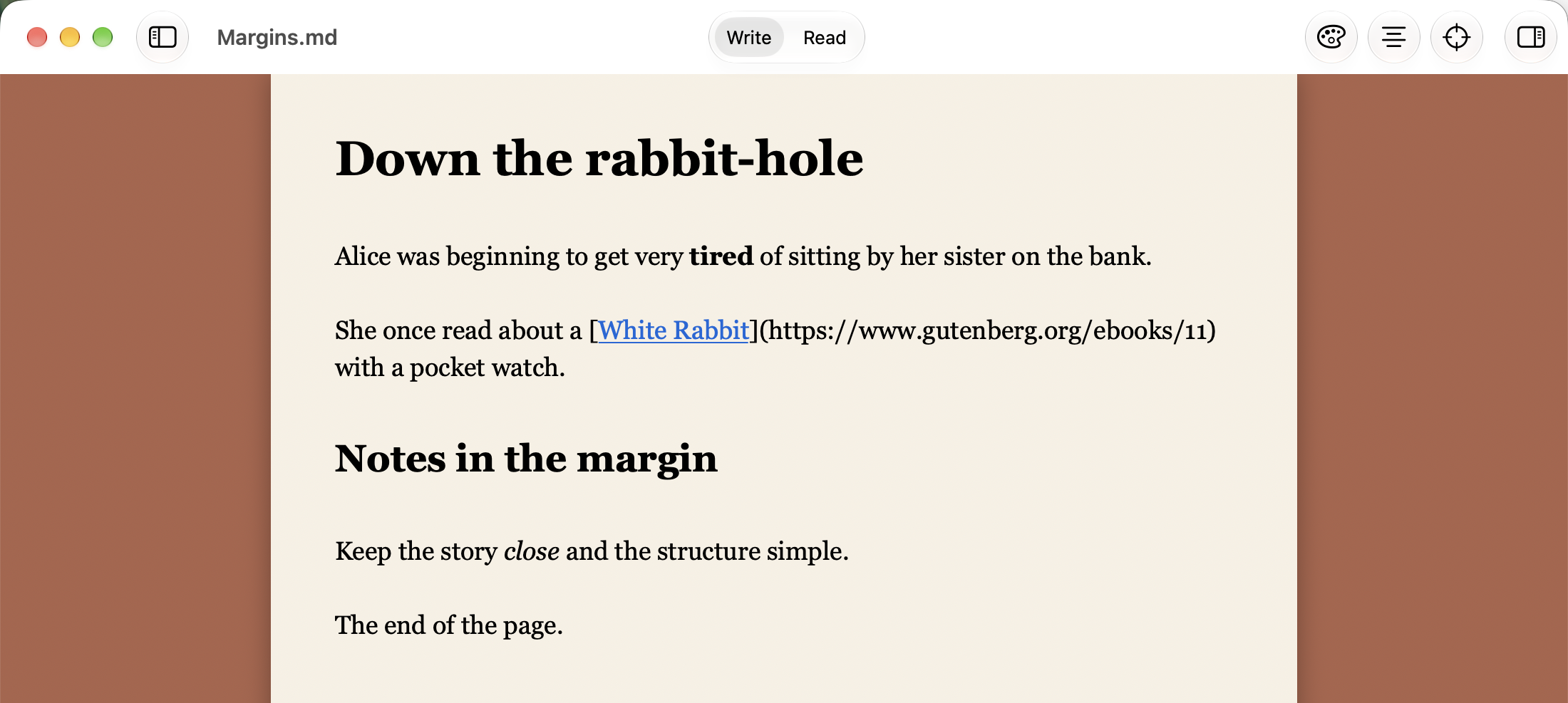
Markdown renders as you type and shows its source where the cursor is.
How Markdown is shown →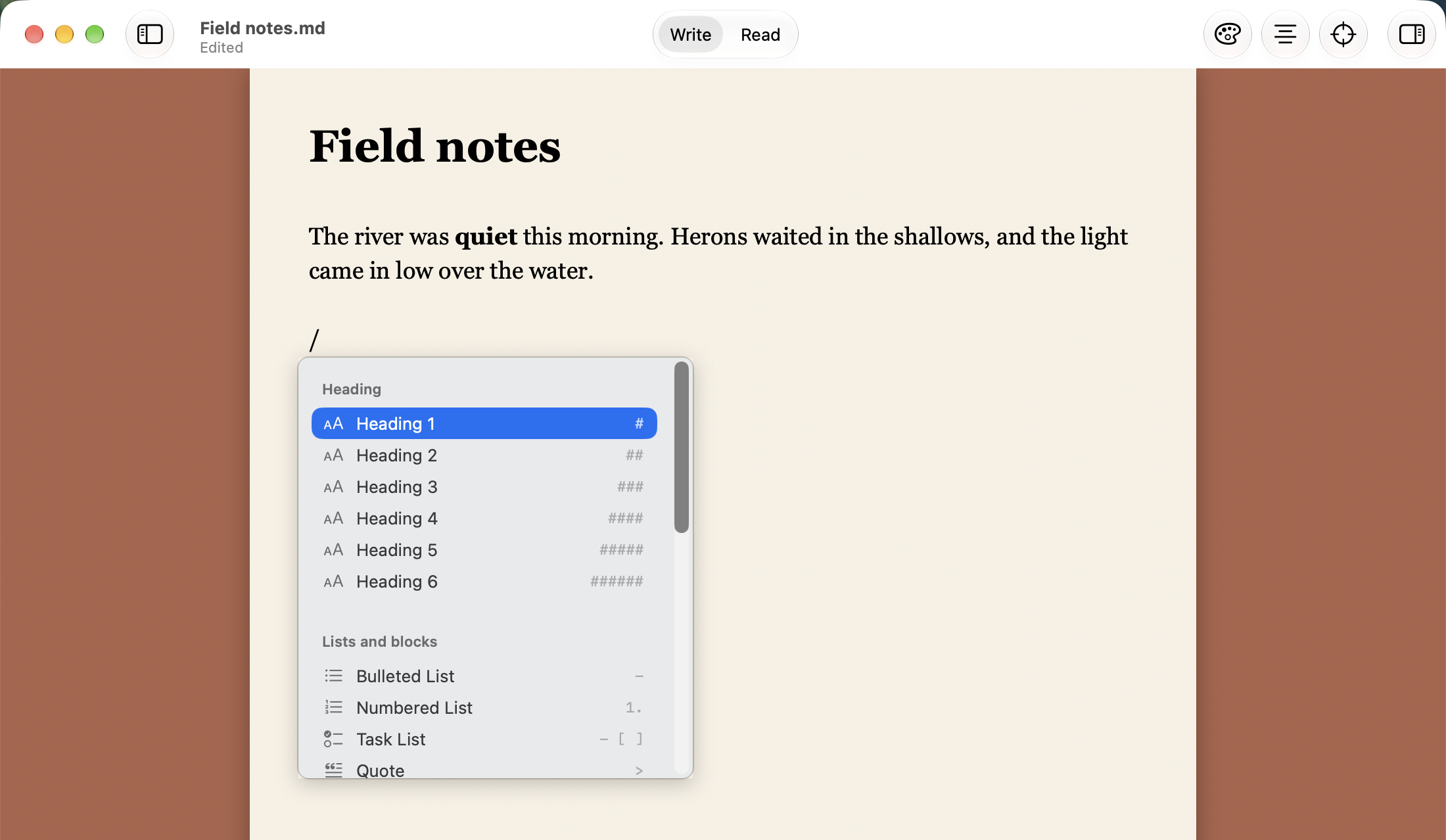
Editing tools
Slash commands, emoji, link formats, a formatting bar, tables, regex and Vim.
Editing tools →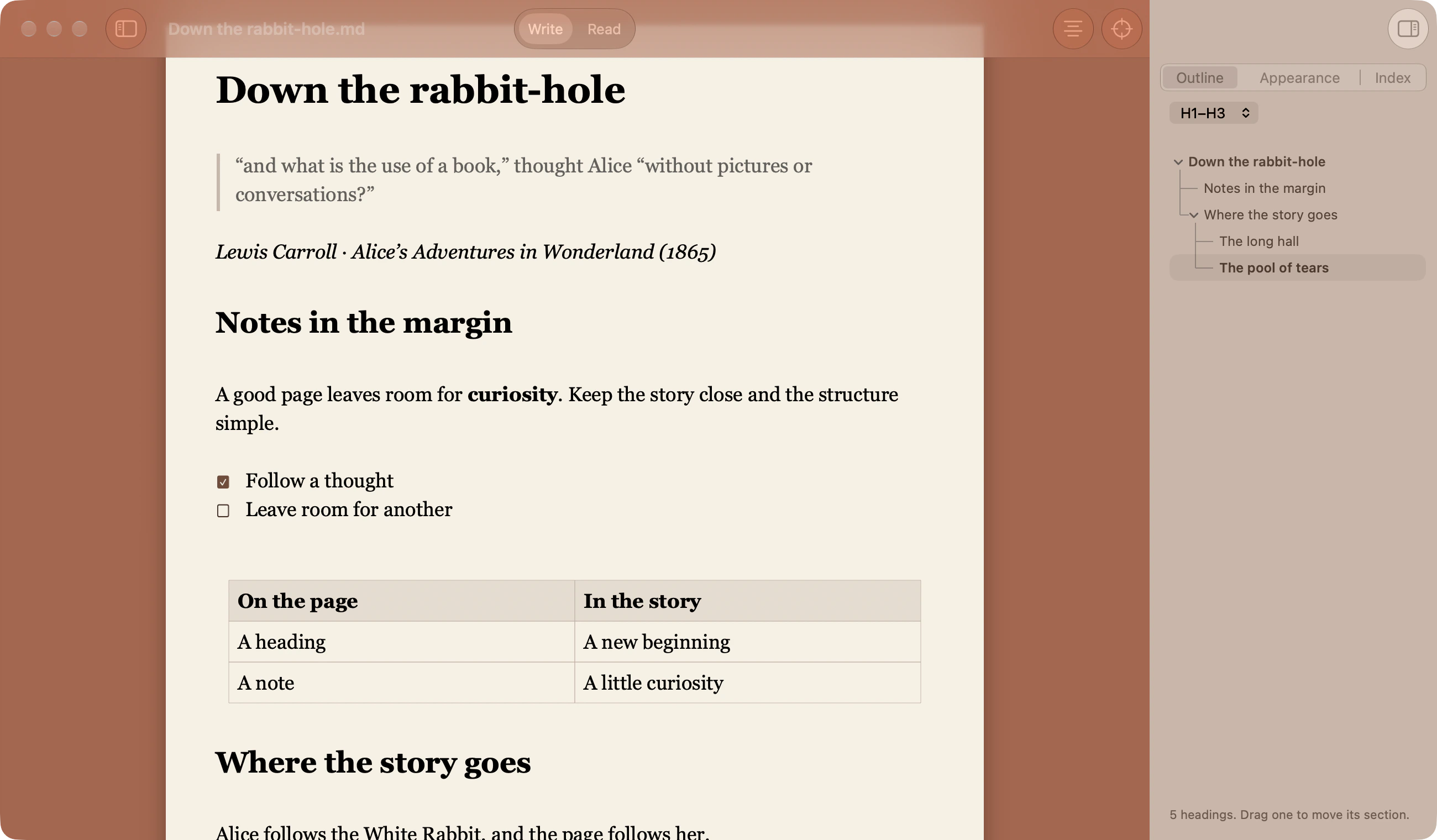
Structure
A collapsible outline, footnotes, citations and a book index.
Structure →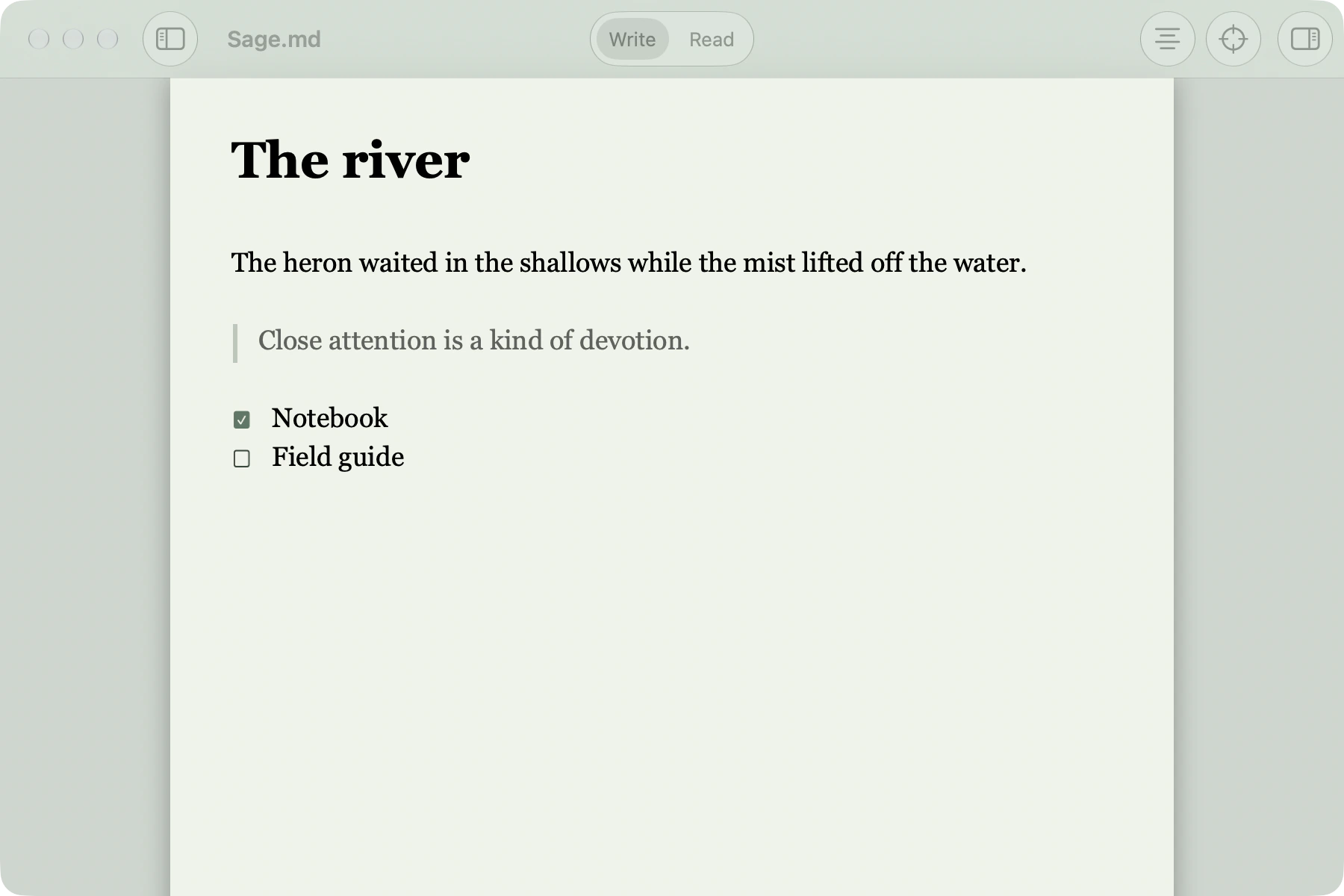
Appearance
Eleven themes plus your own, four font choices, light and dark, Focus and Typewriter.
Appearance →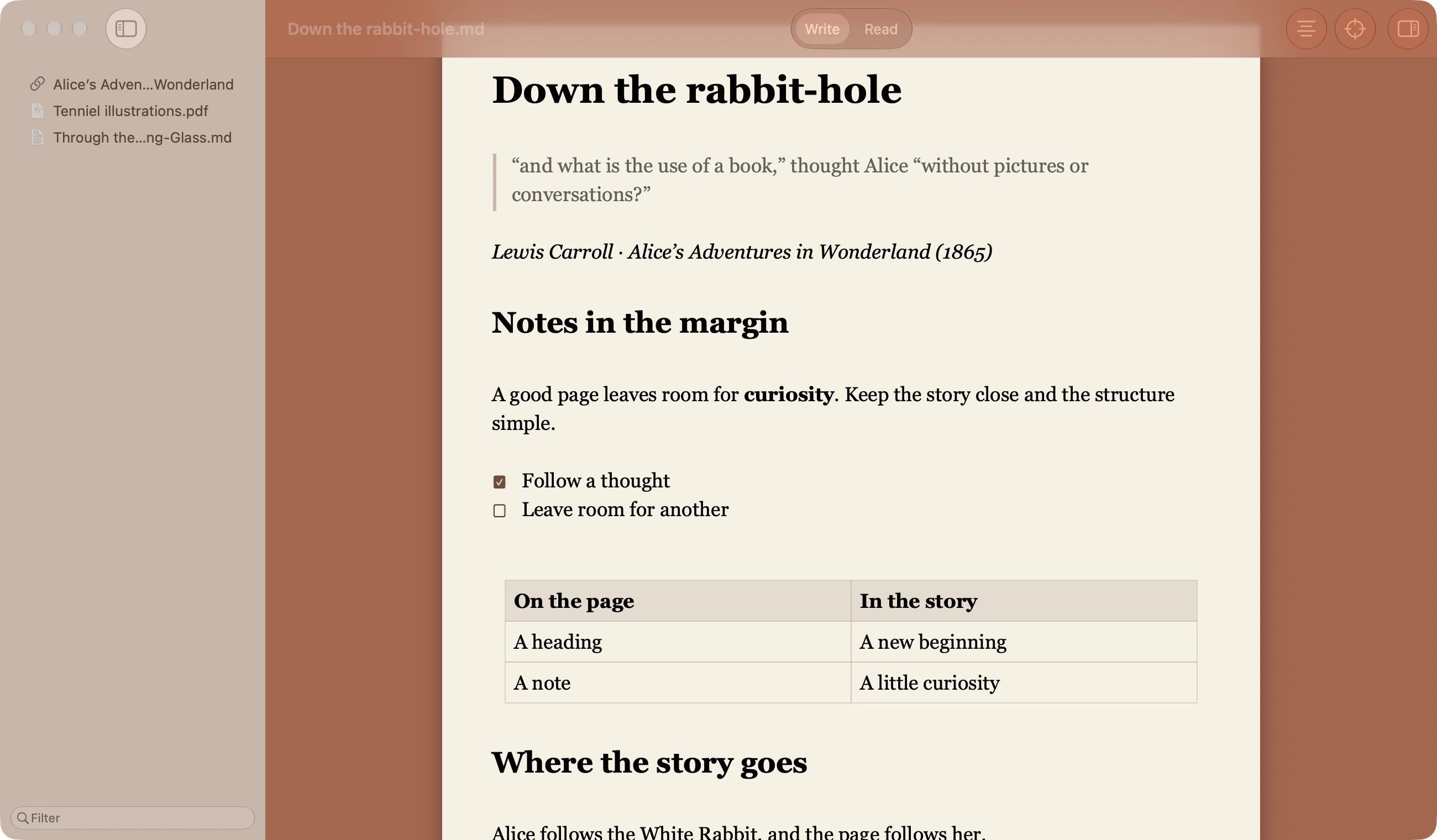
Files and notes
Plain files in iCloud Drive or any folder, the Drawer, linked notes and embeds.
Files and notes →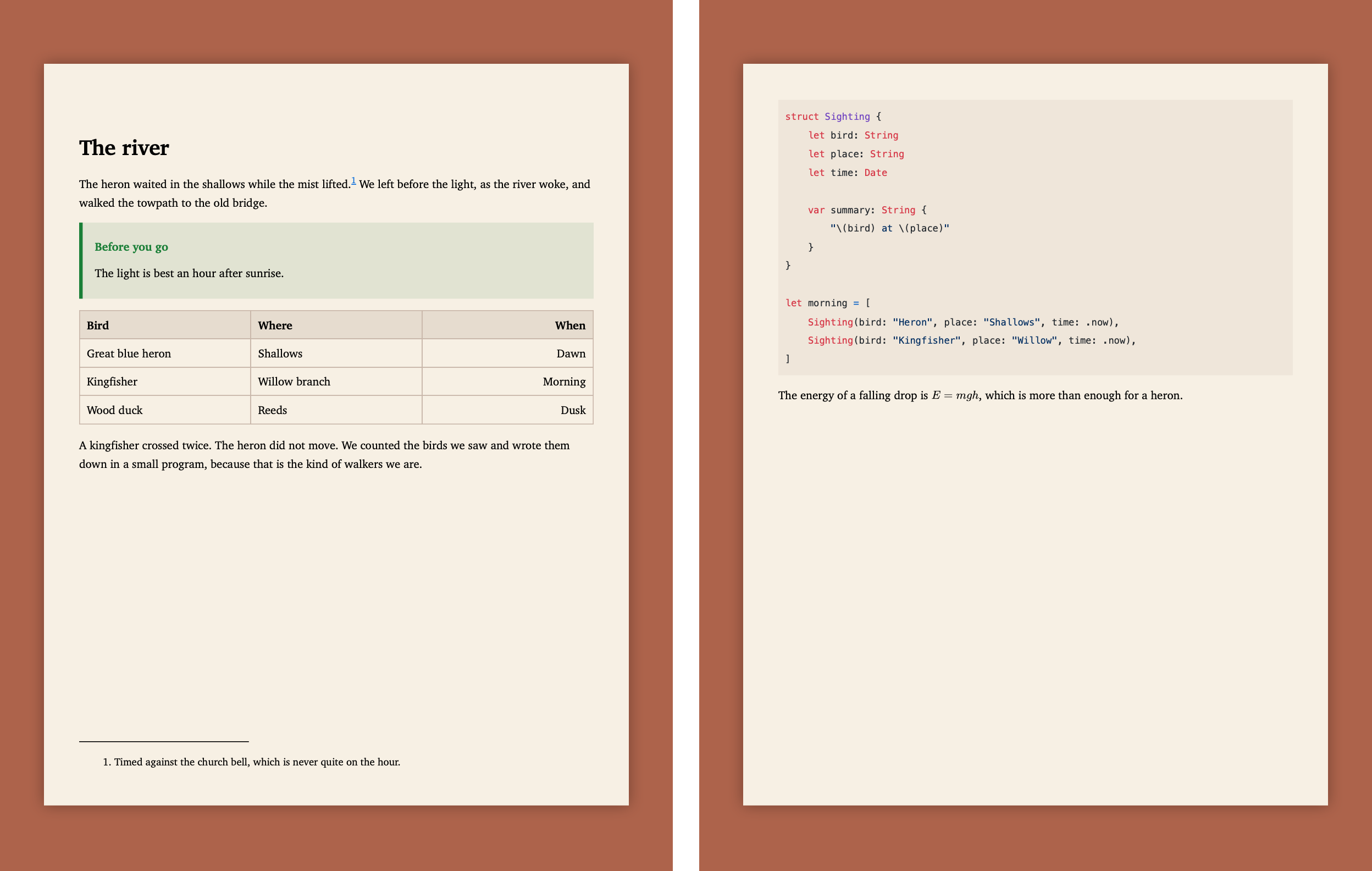
Print and export
PDF and print, HTML, Word, EPUB, LaTeX and rich text.
Print and export →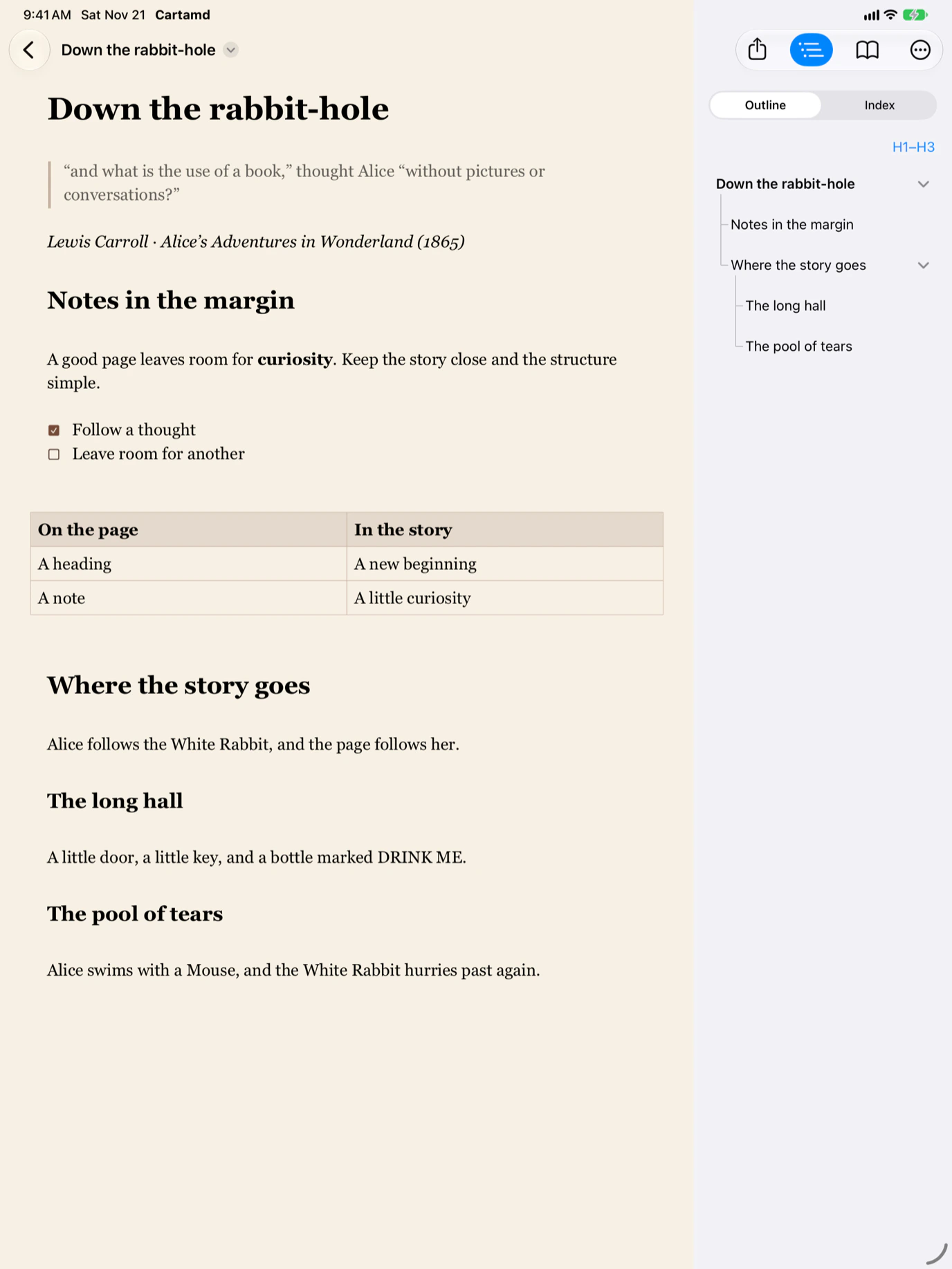
iPhone and iPad
The same editor on iPhone, iPad and iPhone Duo, with the same notes.
iPhone and iPad →Read mode
Settle into
the words.
Press ⌘R for a finished page in your note’s style. The editing controls and side panels slip away; tasks still tick and links still work.
Write and Read →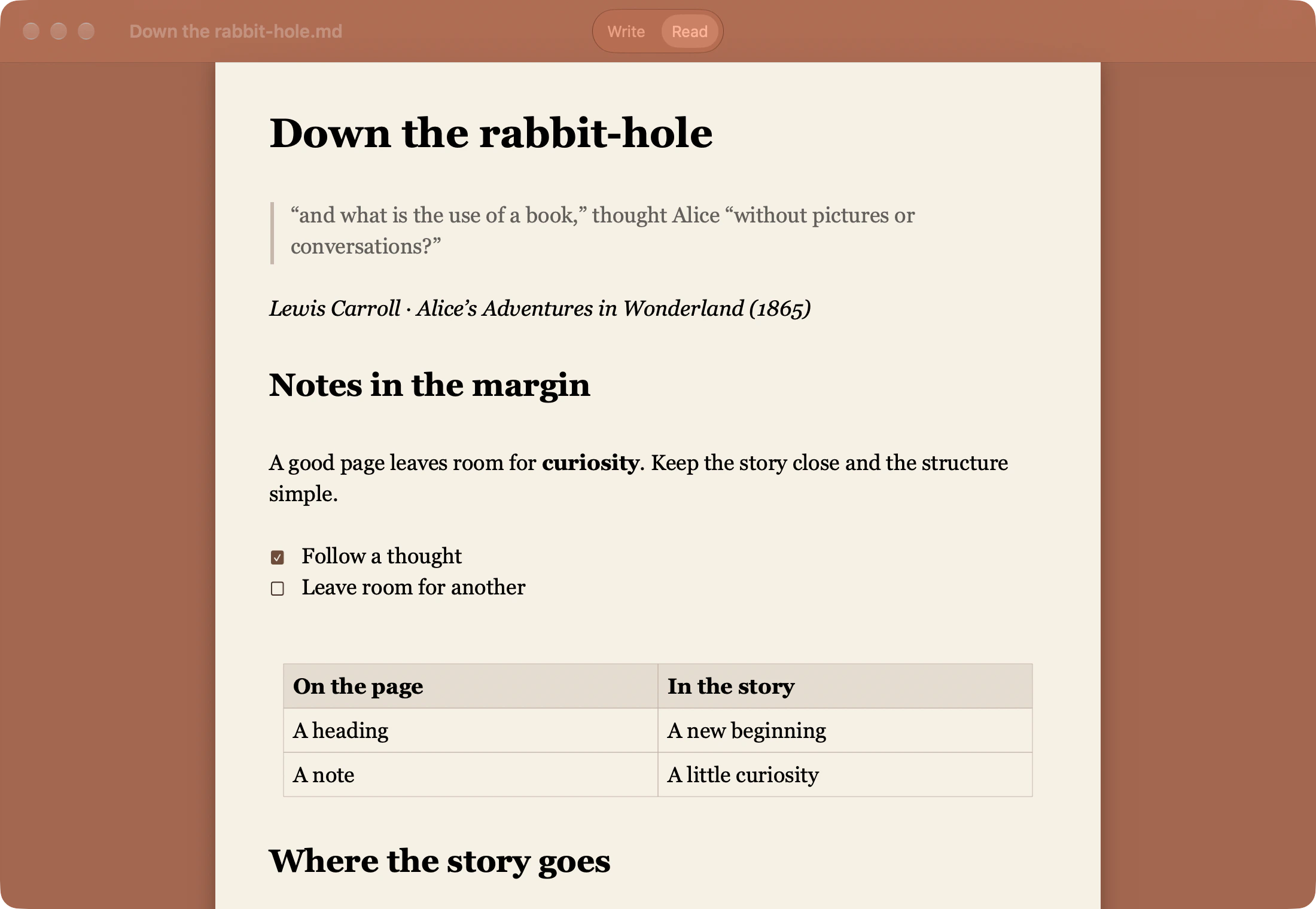
Slash commands
Type a slash,
pick a block.
On an empty line, / lists headings, lists, tables, code, math, diagrams and alerts. Each row shows the Markdown it adds.
Slash commands →Privacy first
Your words are
none of our business.
Cartamd is a writing tool, not a service. It works for you, on your own devices, and it does not report back to anyone.
No account, ever
There is nothing to sign up for and nothing to sign in to. Open the app and write.
No tracking, no analytics
No analytics or advertising code ships in the app. Its privacy manifest declares that it collects no data and does no tracking.
Remote images wait for you
Loading a web image can tell its server you opened a document, so Cartamd asks first. Load them per note, or turn the question off in Settings.
Works offline
Math, diagrams, syntax highlighting, help and export are all built in. Nothing is fetched from a CDN or a cloud service.
Only the folders you choose
Cartamd runs in Apple’s App Sandbox and reads only what you open and the folders you allow. Settings lists every one.
No document database
Your notes are ordinary Markdown files, in Cartamd’s iCloud Drive folder or any folder you pick. A note’s settings live in its own frontmatter.
Everything
on the desk.
A quiet surface with a lot underneath. Here is what Cartamd does today; each heading leads to a page with screenshots and examples.
Writing
- Markdown renders as you type; step into an element to see its source
- A drag selection shows the Markdown it takes,
##included - Show All Markdown when you want every marker in view
- Write and Read modes, switched with ⌘R
- Lists and tasks continue on Return, inside quotes too
- Callouts, highlights, code, math and Mermaid diagrams
- Paste from Safari, Notes or Word and get Markdown back
- HTML in a note shows as it reads; HTML tables draw as grids
- Optional smart quotes, spelling and a word goal
Editing tools
- Slash commands on an empty line
- Emoji from GitHub shortcodes
- A pasted URL offers four link formats
- A formatting toolbar over selected text
- Tables you edit with Tab, Return and drag handles
- Find and Replace with regular expressions
- Find in Folder and Open Quickly
- Optional Vim key bindings, with your
.vimrcorjjfor Escape
Structure
- A native outline you can collapse
- Drag a heading to move its whole section
- Index markers as you write, and an Index tab to review them
- Footnotes with a popover preview
- Pandoc citations and a reference library with collections
- Title pages, chapters and a table of contents
Appearance
- Eleven themes plus your own colors
- Body, heading, quote and code fonts
- An Appearance tab for each note
- Light, dark, or a theme for the whole app
- Windows that take the page’s colors
- Focus and Typewriter modes
Files and notes
- New notes in Cartamd’s iCloud Drive folder
- New Document right in the Open panel
- The Drawer for files, links and set-aside text
[[Wiki links]]and live embeds- Quick Look previews in Finder
- Autosave, versions and safe external edits
Print and export
- PDF and print, portrait or landscape
- Code blocks and tables kept whole on a page
- A book index with linked page numbers
- HTML, Word, EPUB and LaTeX
- Copy as rich text or HTML
Shortcuts and AppleScript
- New Note, Append to Note, Get Note Text, Export Note
- Ask Siri to start or add to a note
- AppleScript reads and sets open notes
iPhone and iPad
- iPhone, iPad and iPhone Duo
- The Mac’s renderer, themes and Read mode
- Outline, Index, Drawer and citations
- Export and print through the share sheet
- Vim mode and keyboard shortcuts
Privacy
- Folder access you grant and can revoke
- Remote images ask first
- No account, tracking or analytics
- App Sandbox, works offline
Your next blank page
is coming soon.
Cartamd is in development for Mac, iPhone and iPad.
Public download details will appear here when it’s ready.
macOS 14 or later on M1 or newer · iOS and iPadOS 27