Privacy
Your words are
none of our business.
Cartamd is a writing tool, not a service. It works on your Mac, iPhone and iPad, reads only what you give it, and doesn’t report back to anyone. This page says exactly what that means, and where you can check it.
Nothing to sign up for, nothing collected
- No account. Open the app and write.
- No analytics, advertising or tracking code ships in the app. Its privacy manifest declares that it collects no data and does no tracking.
- This website has no tracking scripts or cookies either.
Only the folders you choose
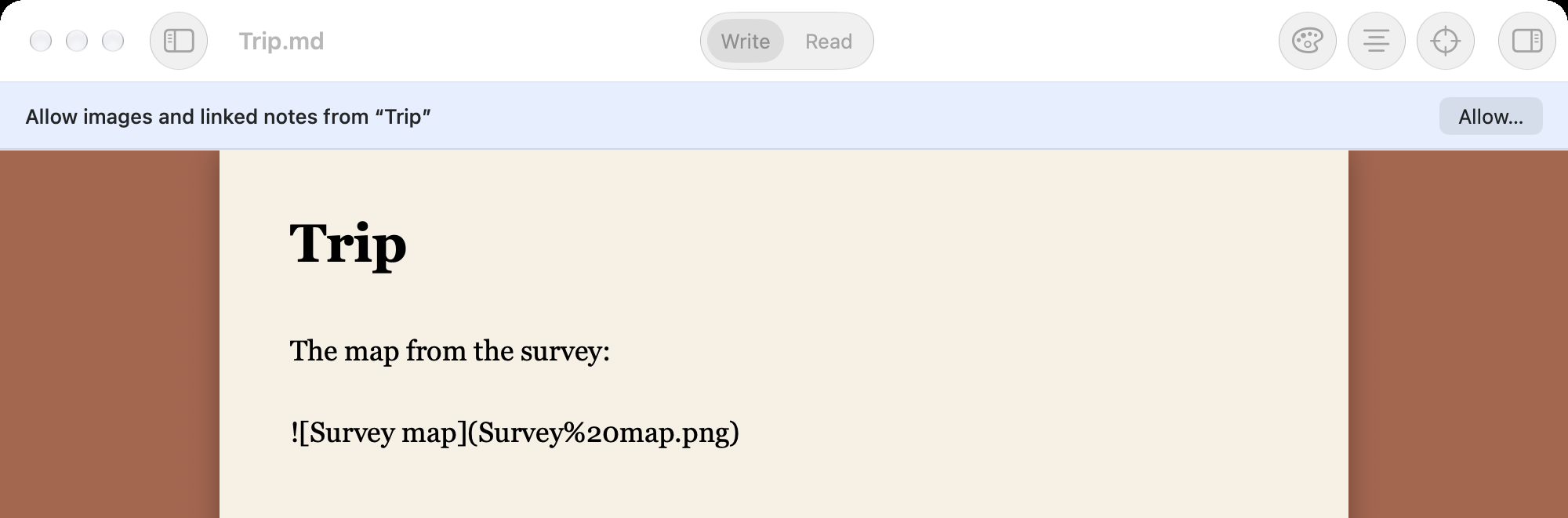
Cartamd runs in Apple’s App Sandbox on Mac, iPhone and iPad. It reads the files you open and the folders you allow, and nothing else. When a note’s images or linked notes sit in a folder it can’t read yet, a bar at the top of the note asks, naming the folder, and you confirm it in the system’s folder picker.
Settings → Privacy lists every folder Cartamd may read. Allowing a folder covers the folders inside it, so the list shows only the top level. Remove one and all access to it and everything inside it ends, including as an assets folder. Plain Markdown links never scan folders to find a match.
Remote images wait for you
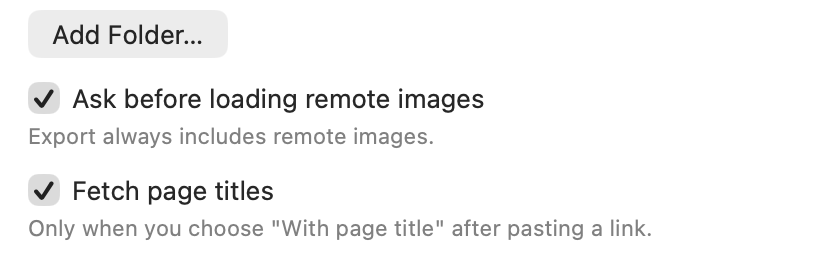
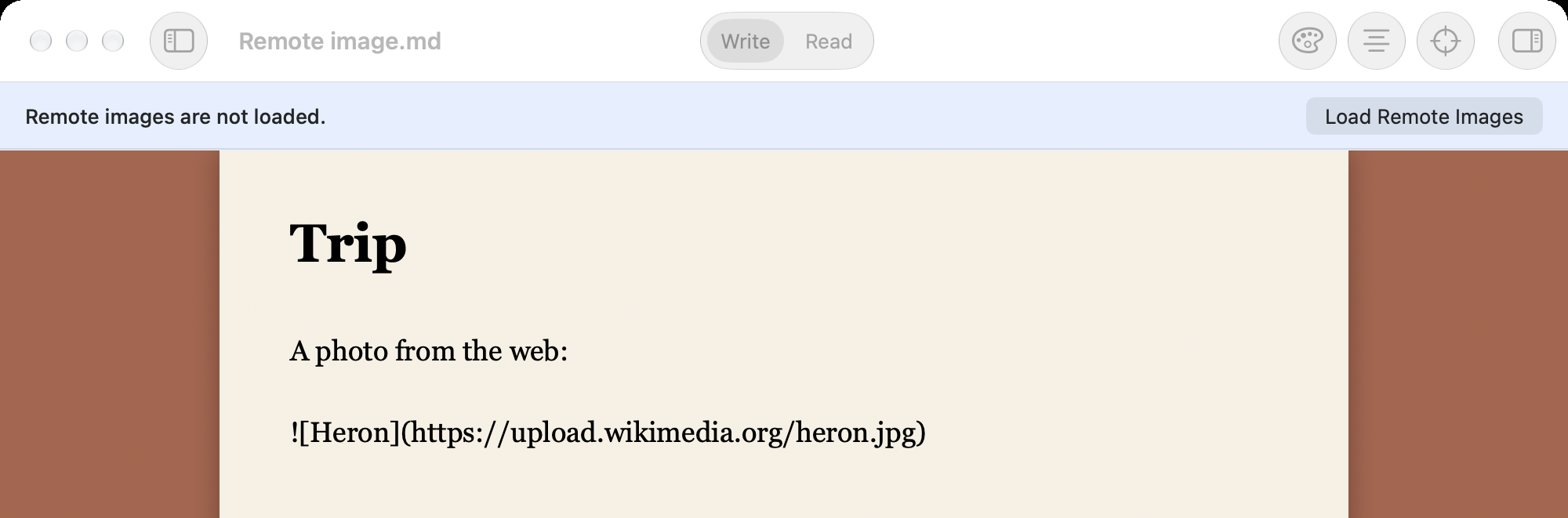
Loading an image from the web tells its server that you opened the note, and when. So Ask before loading remote images is on by default: a bar says they are not loaded, and Load Remote Images loads them for that note until it closes. Turn the question off in Settings → Privacy if you prefer.
Print and export always include them, because you asked for the output.
When Cartamd goes online
Math, diagrams, syntax colors, the help guide and every export are built in. Nothing is fetched from a CDN or cloud service. Cartamd uses the network only when you ask it to:
- When you load remote images in a note.
- When you pick With page title after pasting a link. Cartamd asks that one site for its page title, sends no cookies and reads nothing else. Turn the option off with Fetch page titles.
- When you click a web link, which opens in your browser.
A link to an app, script, installer or disk image is shown in Finder instead of being opened, so a click in someone else’s document never starts a program.
Where things are kept
- Your notes are ordinary files. New notes go to Cartamd’s own folder in your iCloud Drive when you are signed in to iCloud, so your Mac, iPhone and iPad see the same notes; you can choose any other folder, or keep new notes on the device. Syncing is done by iCloud, between your own devices. Cartamd has no server and never sees your notes.
- A note’s appearance settings live in its own frontmatter, not in a database.
- The Drawer’s clippings and the reference library are the only things in Cartamd’s own storage on each device, as plain Markdown and BibTeX.
- Vim mode reads a
.vimrconly if you pick one, and only that file.