iPhone and iPad
The same page,
in your pocket.
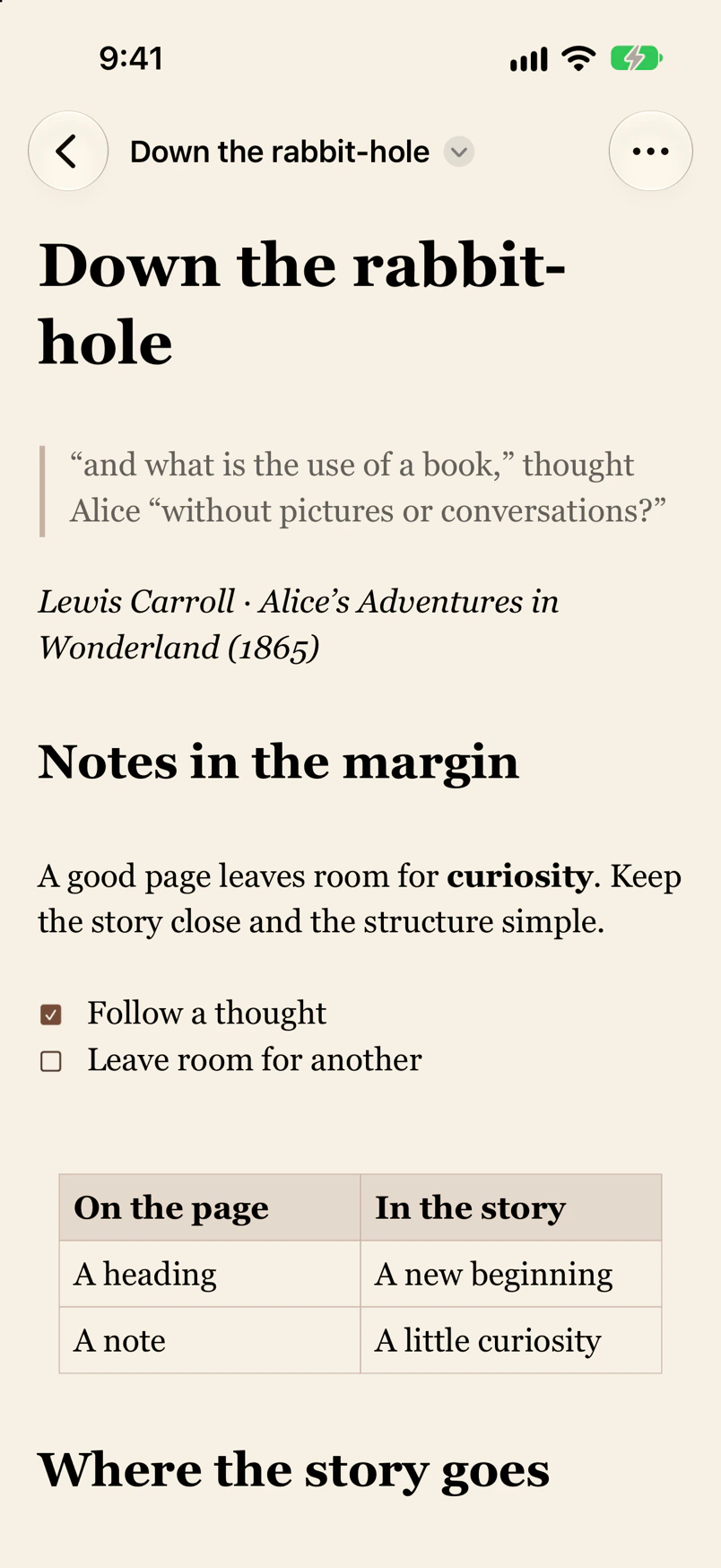
Cartamd runs on iPhone, iPad and iPhone Duo with the Mac’s own renderer, so a note looks the same everywhere. Open a note from Files or Recents, write, and it saves itself. The notes are the same plain Markdown files your Mac opens.
One note, any size of screen
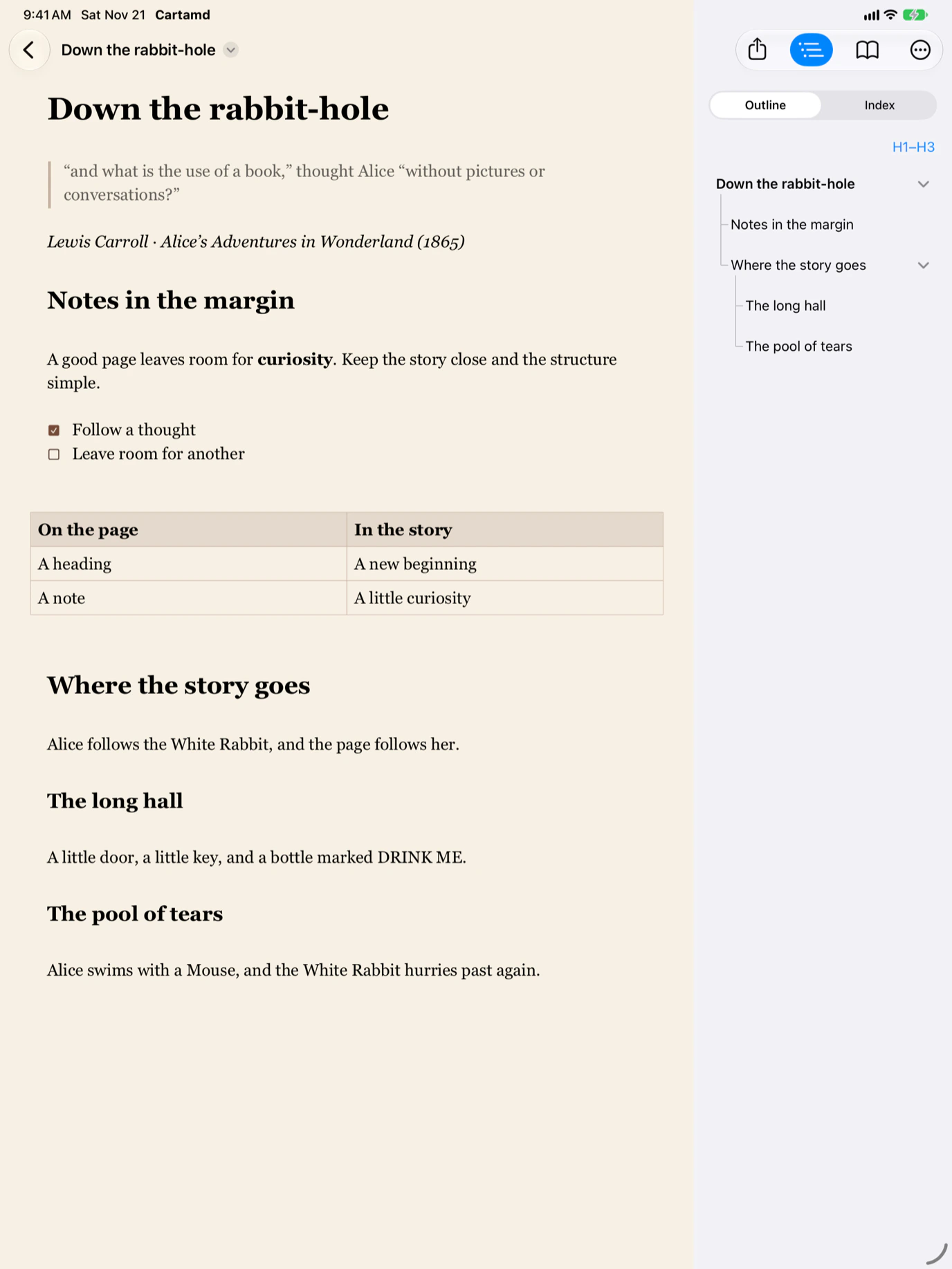
The bar at the top of a note has Outline, Read and More, and Export where the window is wide enough. The note’s title opens the file’s own menu, with Rename and Share. There is no Save command: a note saves as you write.
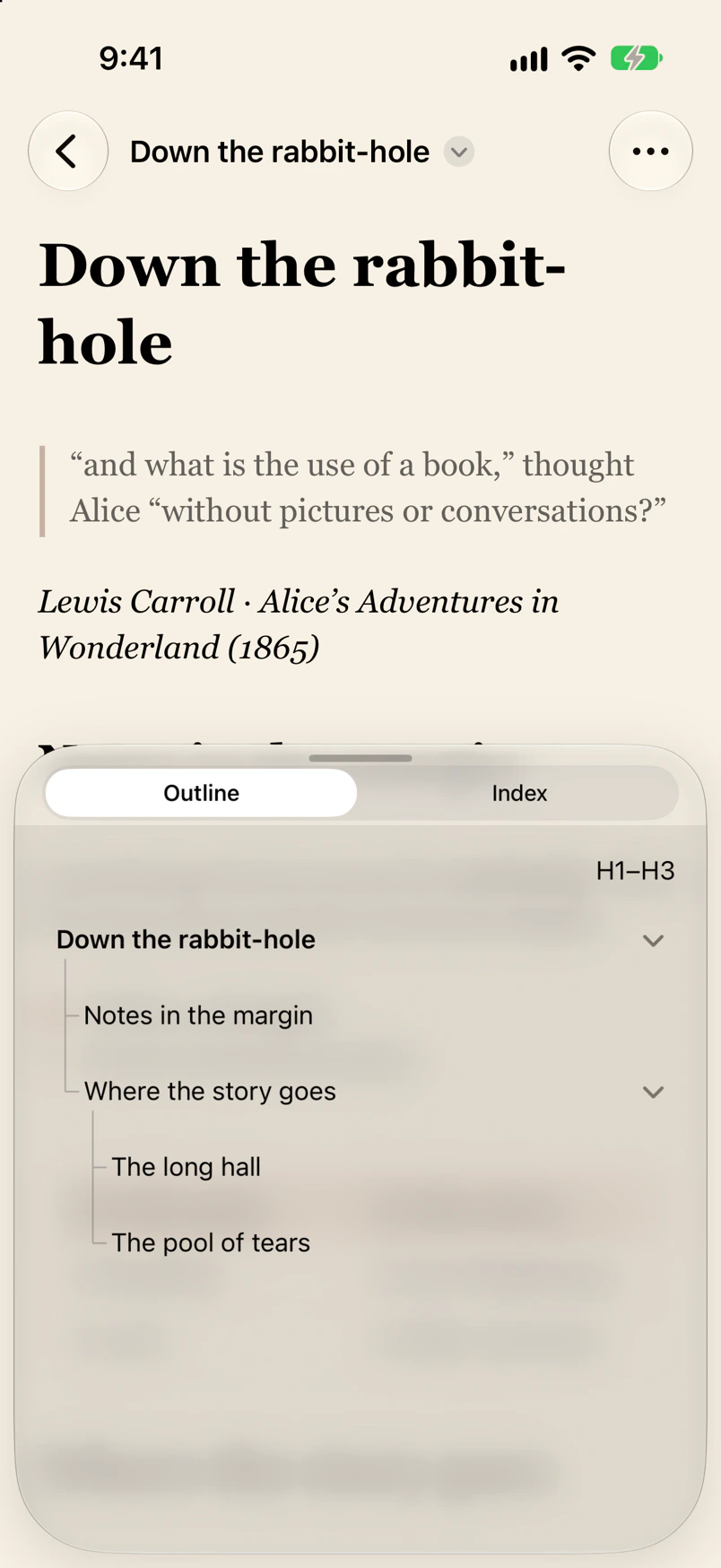
On iPad the Outline sits beside the note, and in a narrow window, an iPhone for one, it slides up as a sheet. iPad runs more than one window, and the Mac’s keyboard shortcuts work with a keyboard attached; hold ⌘ to see them.
iPhone Duo, in every pose
Closed, the outer display works like an iPhone. Open, the note takes the inner display and its panels sit beside it, with nothing of the note on the fold. Folded like a book, the note is on one page and the Outline, Index or Appearance on the other. Stood on a table, the note stays on the upright half.
The note, the cursor and what you selected stay put as you fold and unfold.
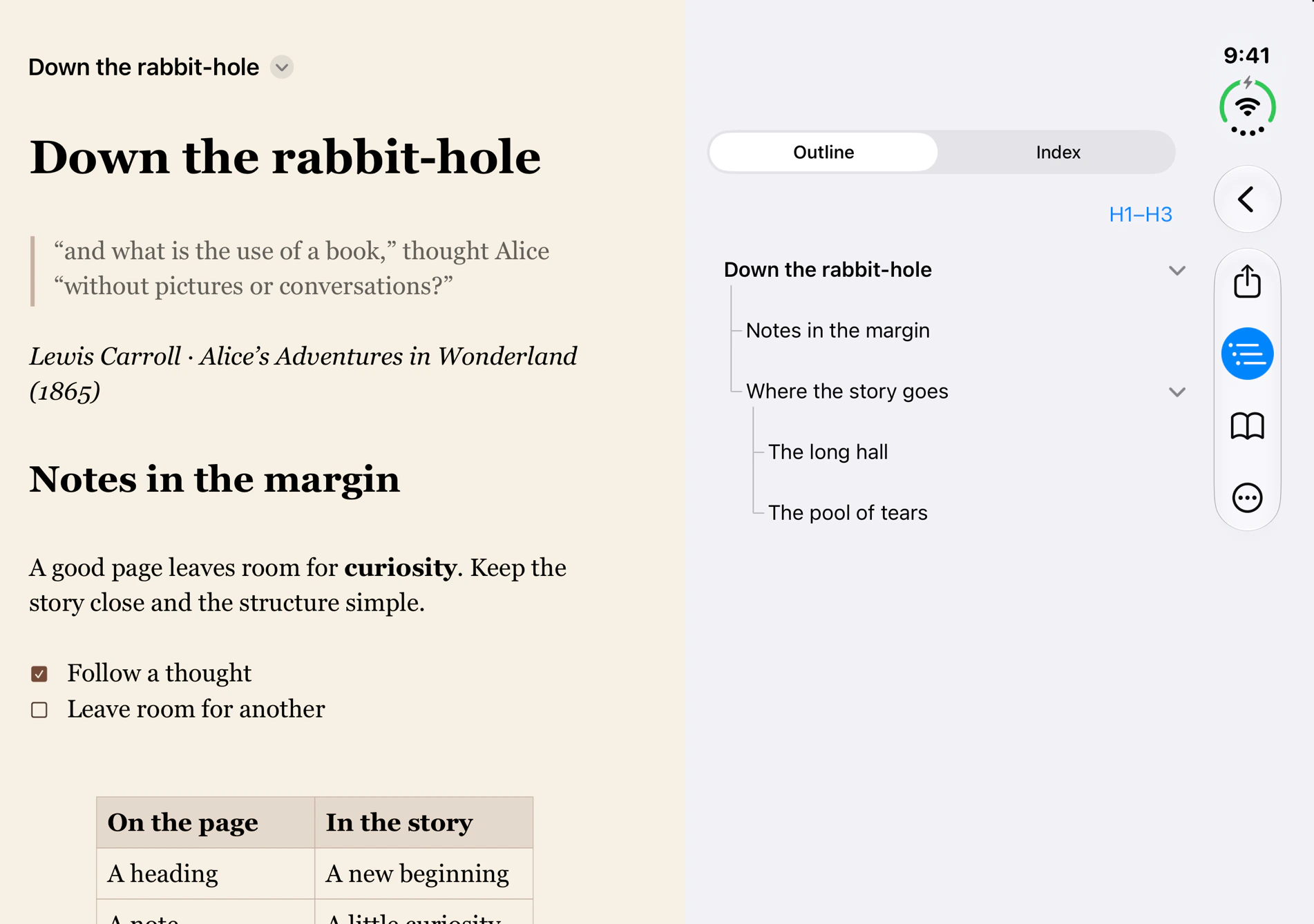
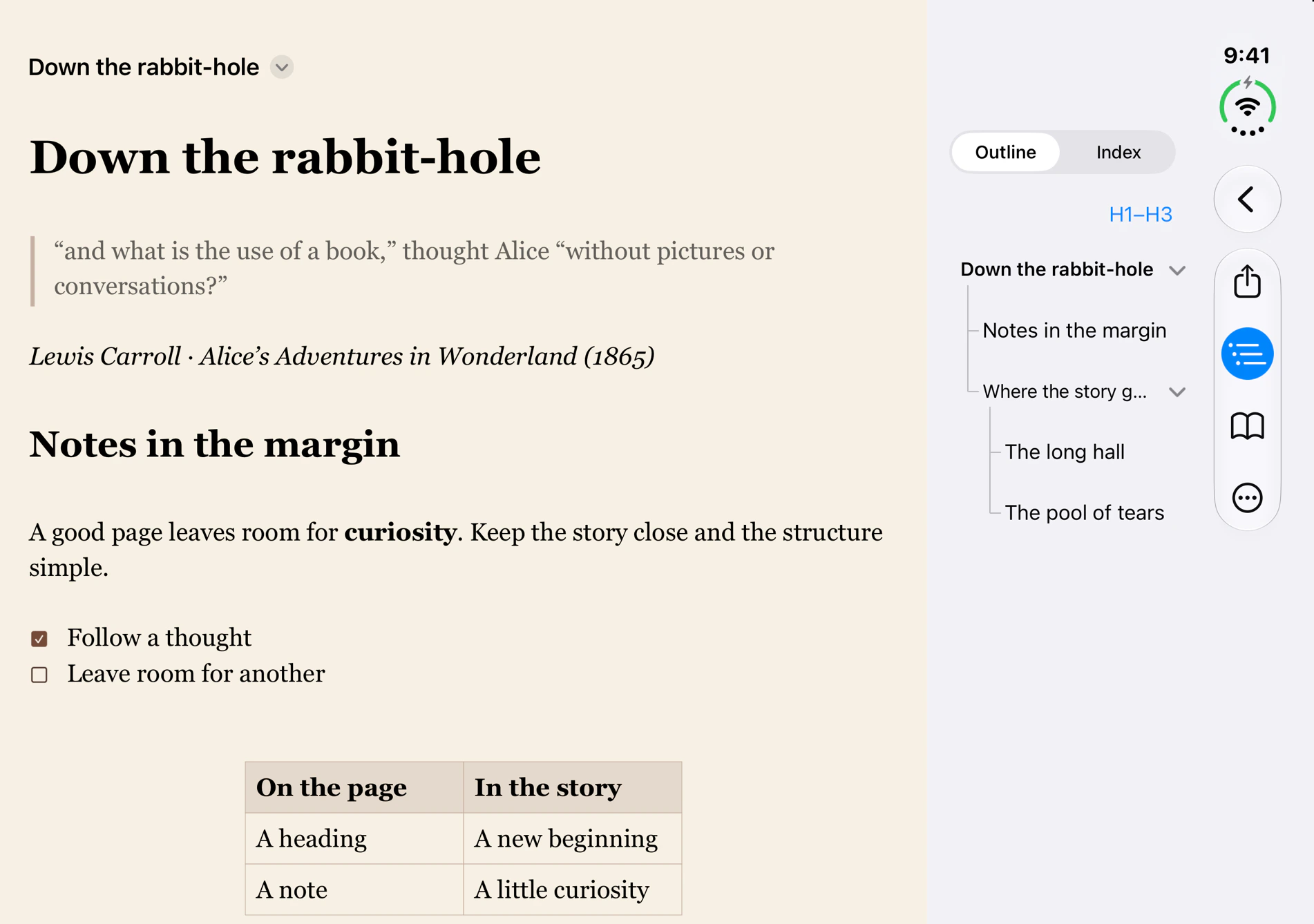
What carries over from the Mac
- The same notes. New notes go to Cartamd’s folder in iCloud Drive, the folder your Mac uses, unless you turn off Save new notes in iCloud in Settings. A note changed on two devices at once asks which to keep; Keep Both saves the other as a second note.
- The same page. Markdown renders as you type and shows its source where the cursor is, with tables, callouts, code, math, Mermaid diagrams, footnotes and embeds. Read mode, the themes, the four fonts and each note’s own appearance come along.
- The same tools. The Outline with collapse and section drag, the Index, the Drawer, citations and the reference library, find and replace with regular expressions, Open Quickly, Typewriter and Focus, smart quotes and the word goal.
- Vim mode, on the Mac’s engine, with Leave insert mode with keys such as
jj. - Export and print to PDF, HTML, Word, EPUB and LaTeX with the Mac’s options, handed to the share sheet. Nothing is written beside the note.
- Shortcuts: New Note, Append to Note, Get Note Text and Export Note.
- The same privacy. Folder access you grant, remote images that wait for your OK, no account and no tracking.
Made for touch
- A bar above the keyboard holds formatting, and slash commands and emoji complete there as you type.
- Press and hold a heading in the Outline until it lifts, then drag to move its section.
- Appearance opens beside the page, so the page you are styling stays in view: on the right on iPad, on the second page of a folded iPhone Duo, as a half sheet on iPhone.
- In Read, a tap checks a task or follows a link, and the keyboard stays down.
- A long note says Opening with its name while it loads.
On the Mac only
Find in Folder, AppleScript, Quick Look previews, Page Setup (iPhone and iPad print on US Letter or A4), tabs, and the index marking panel with its keys. Each device keeps its own reference library: export it as a .bib on one and import it on the other.