Appearance
A page that suits
the words on it.
Pick the paper, the type and the spacing once in Settings, or give one note its own look. A note’s settings travel in its own frontmatter, so the file carries its style with it.
Eleven themes, and your own
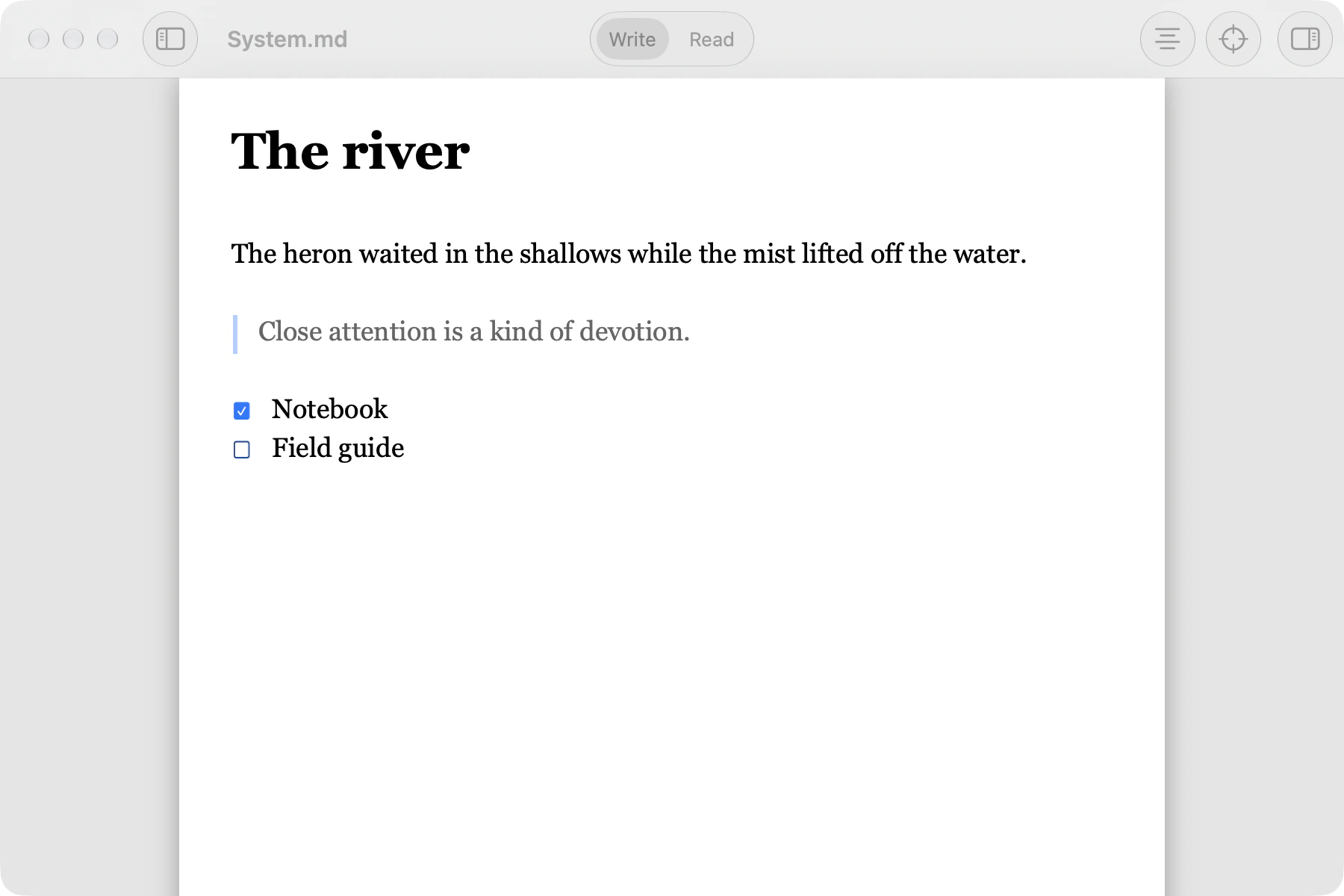
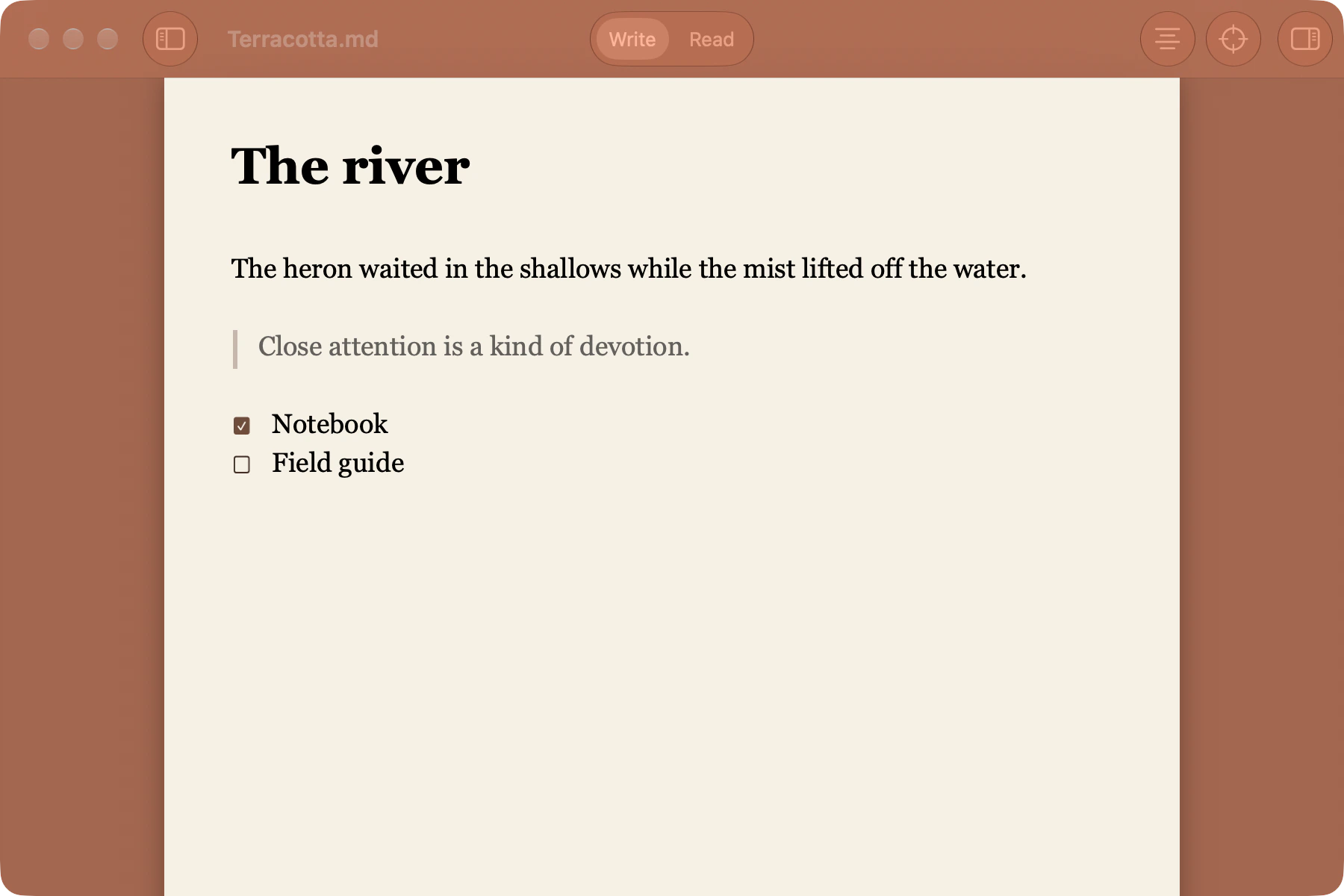
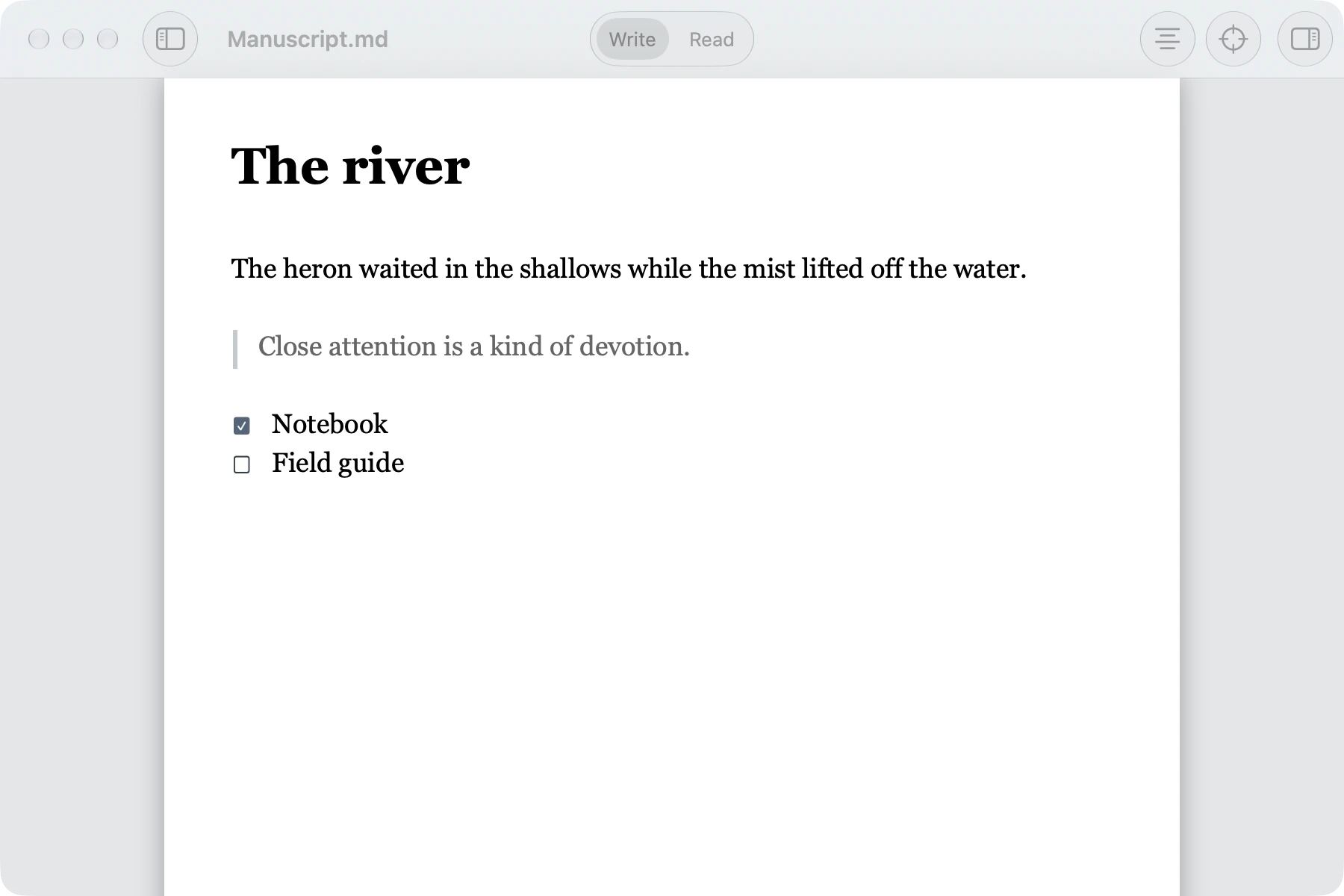
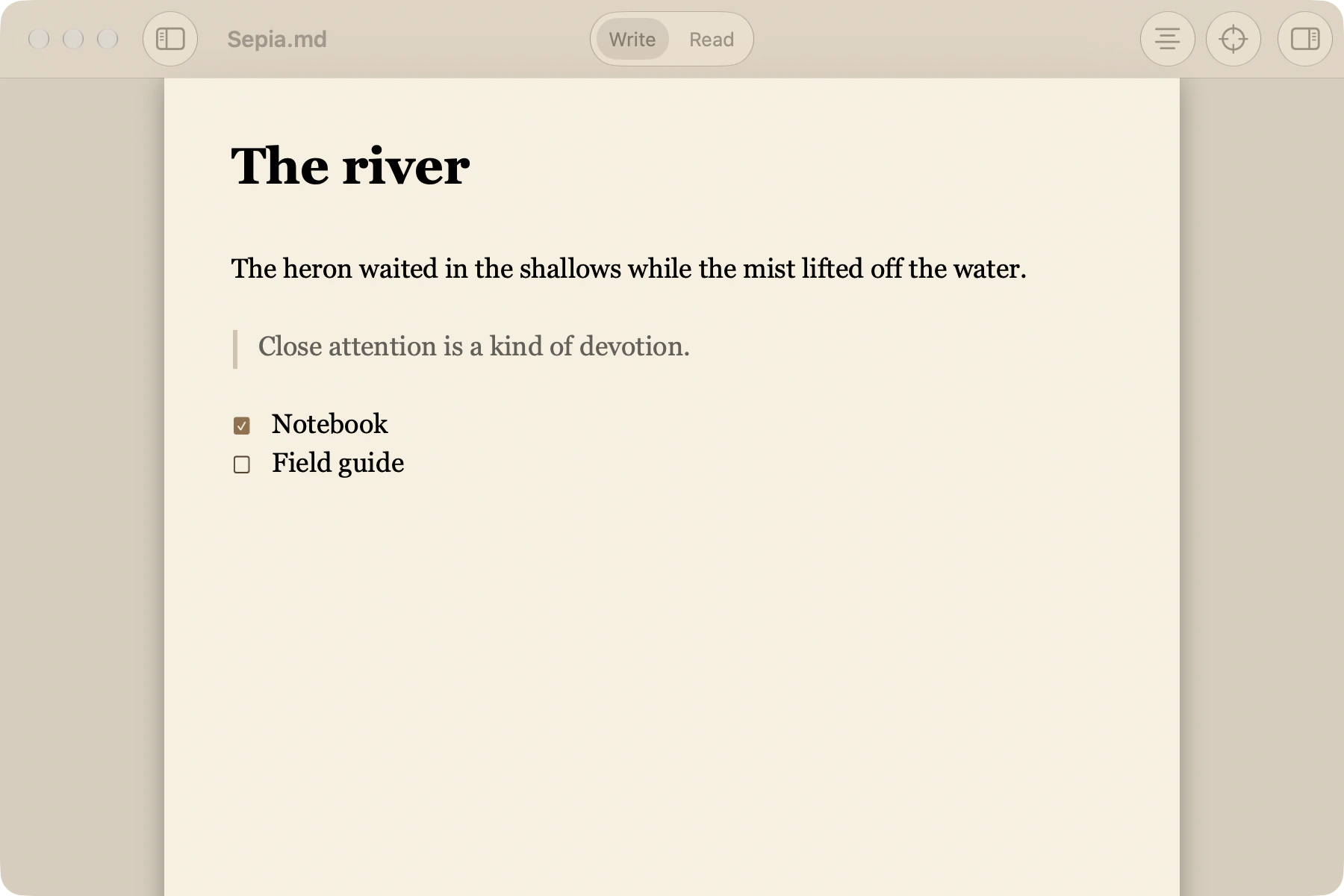
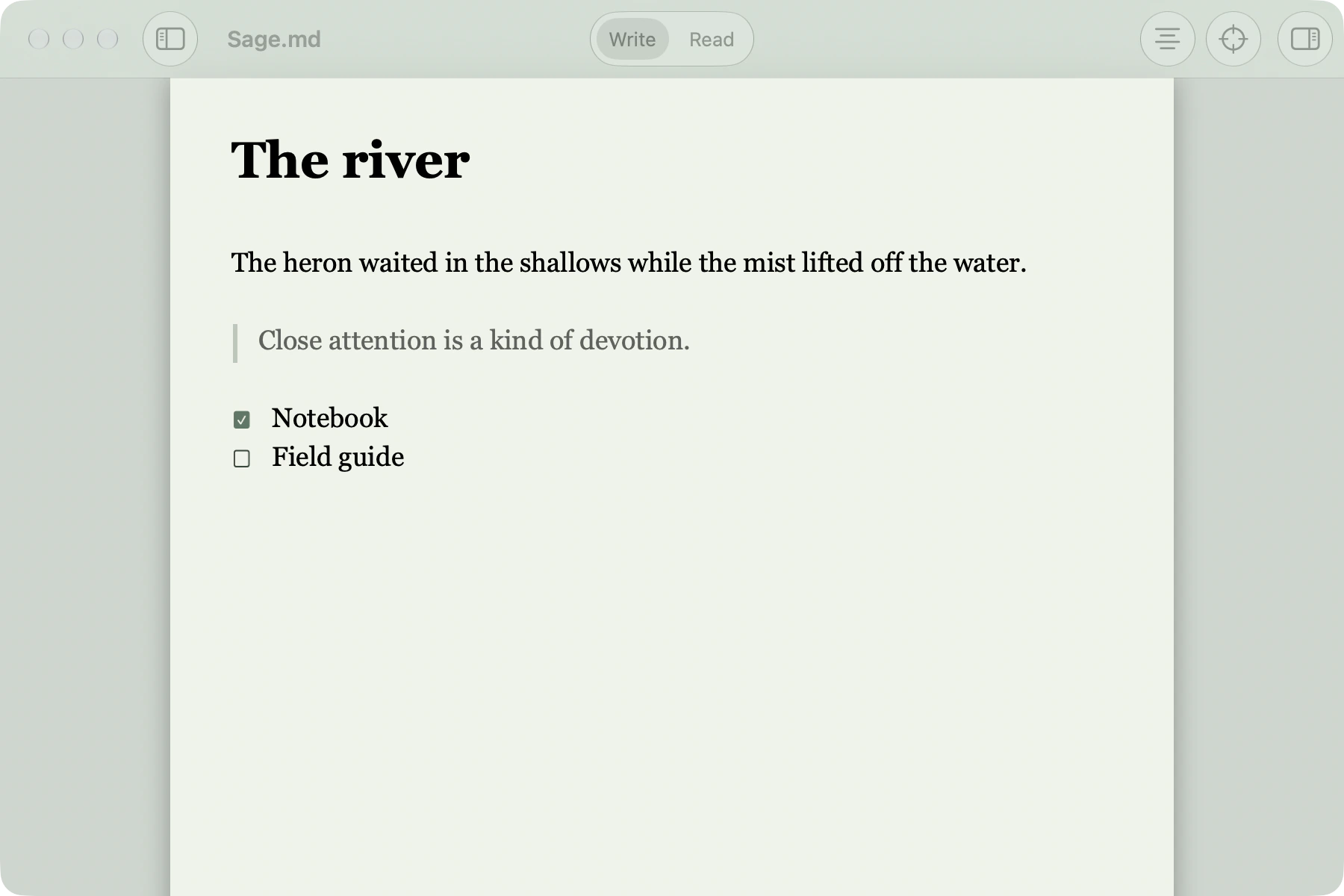
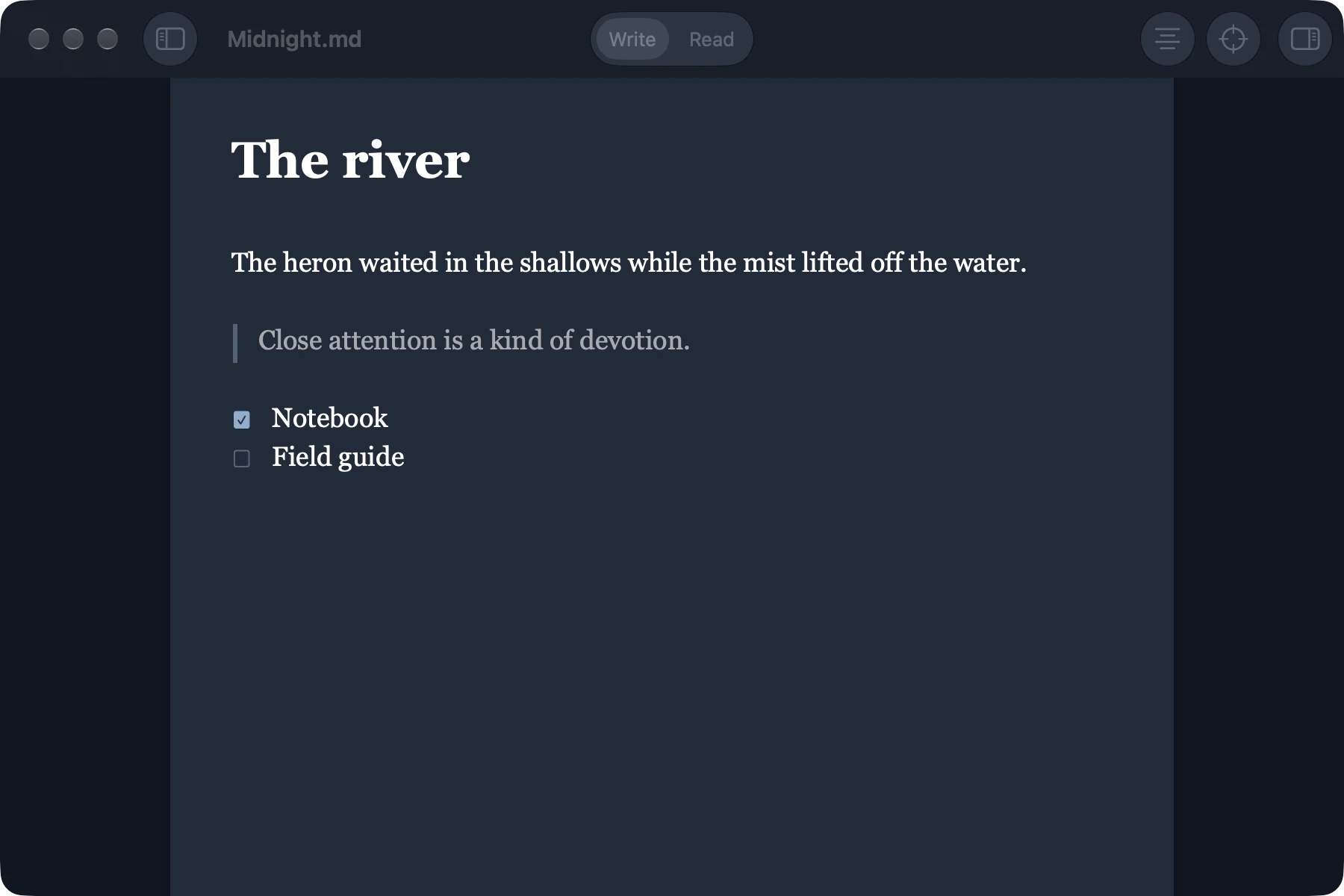
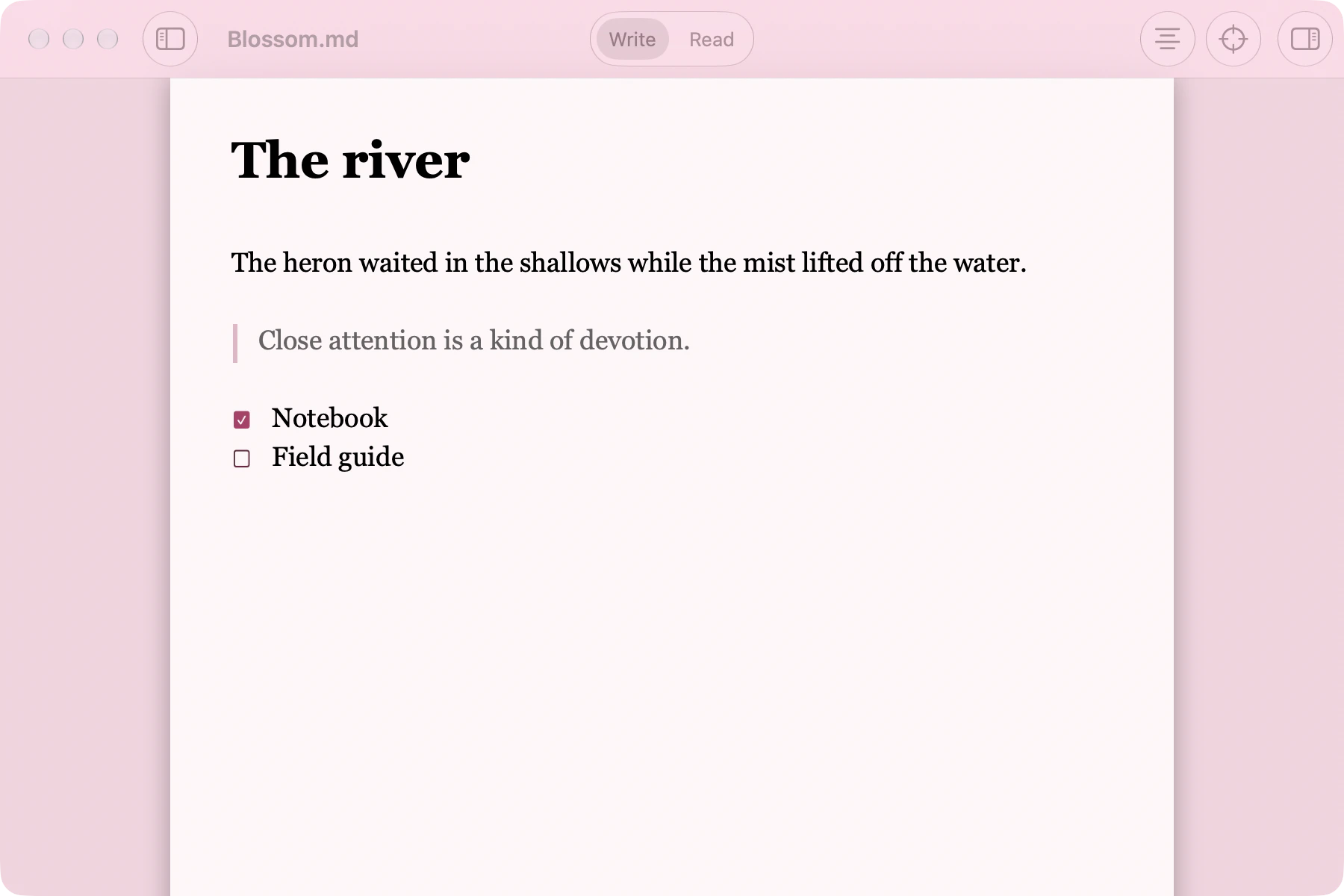
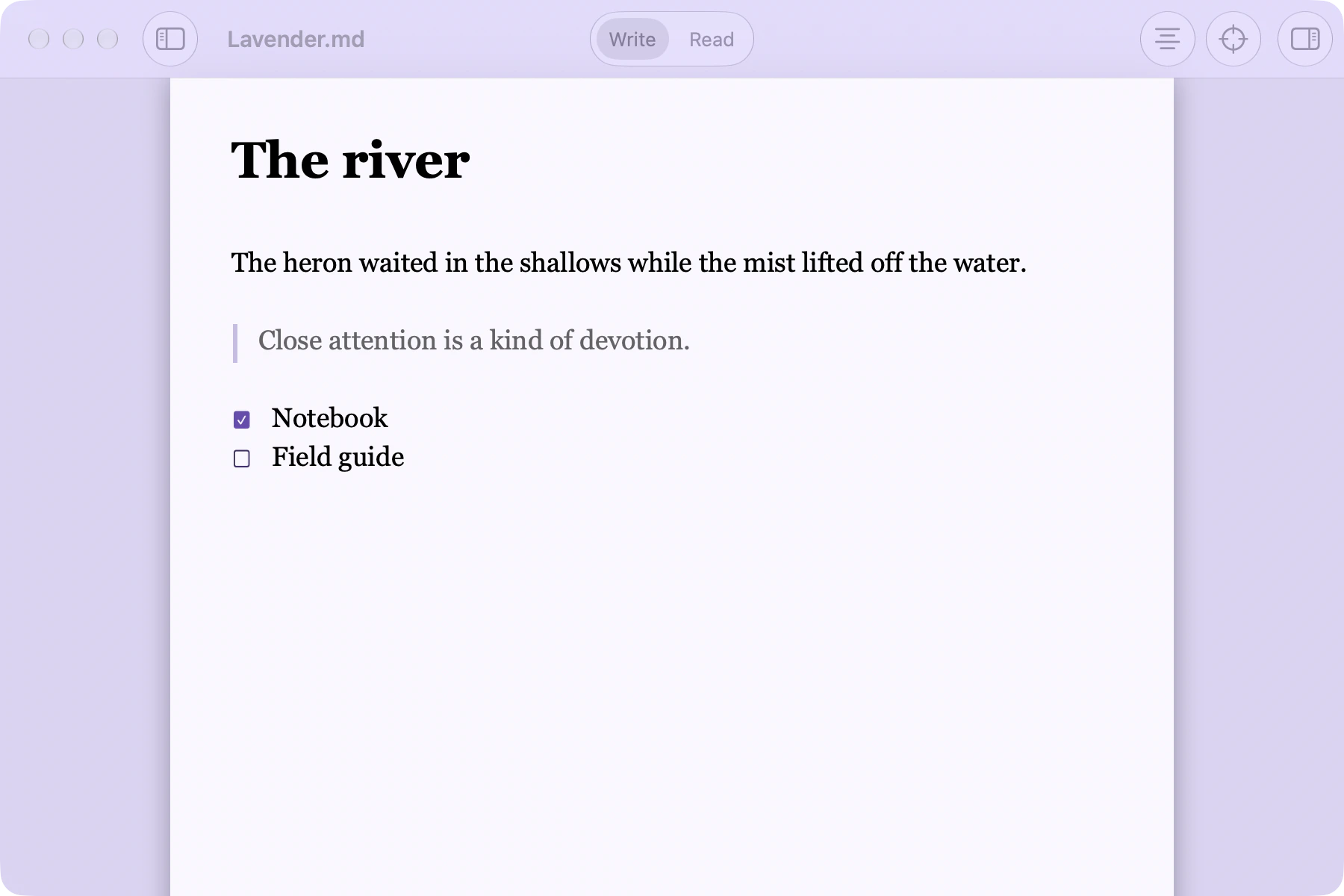
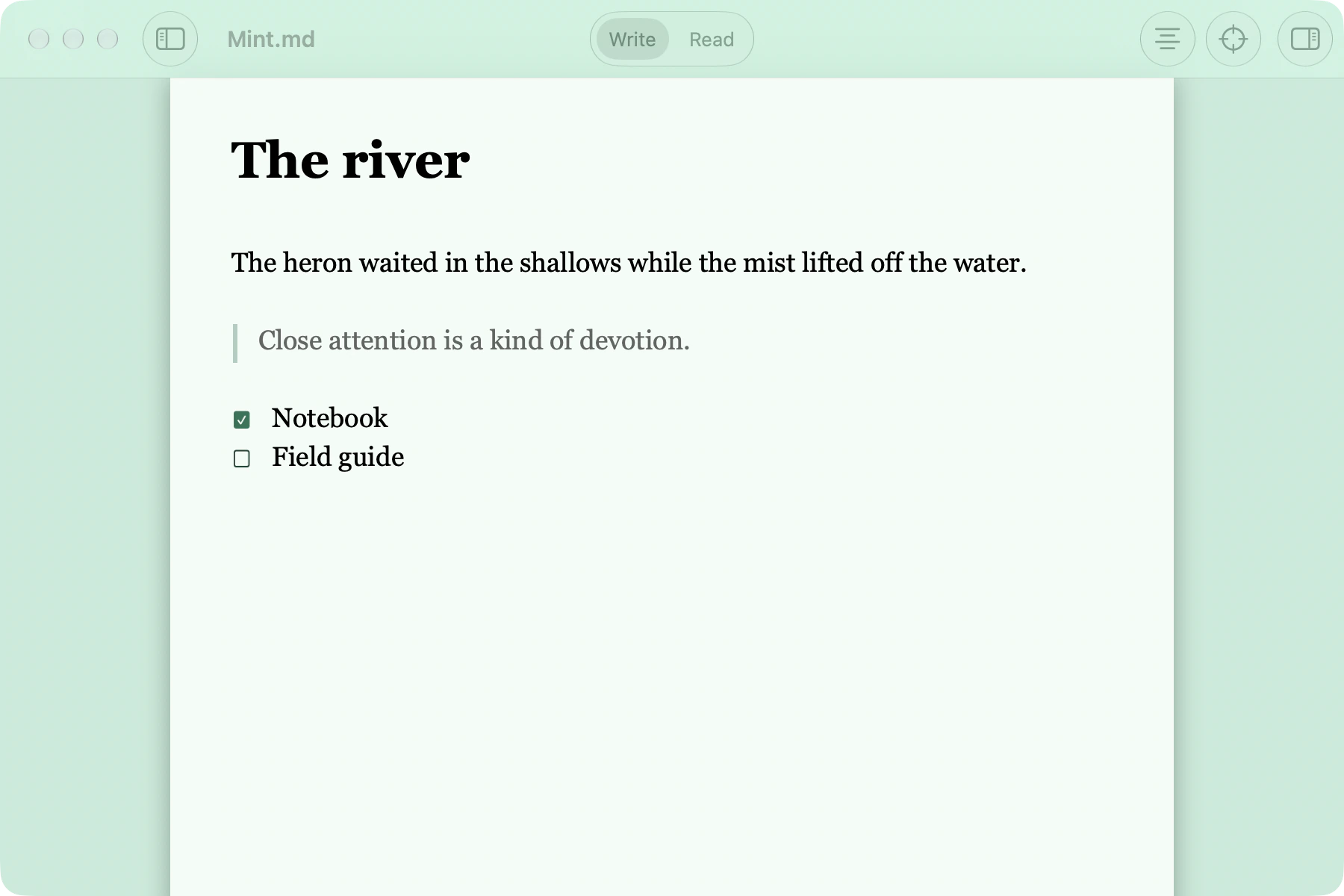
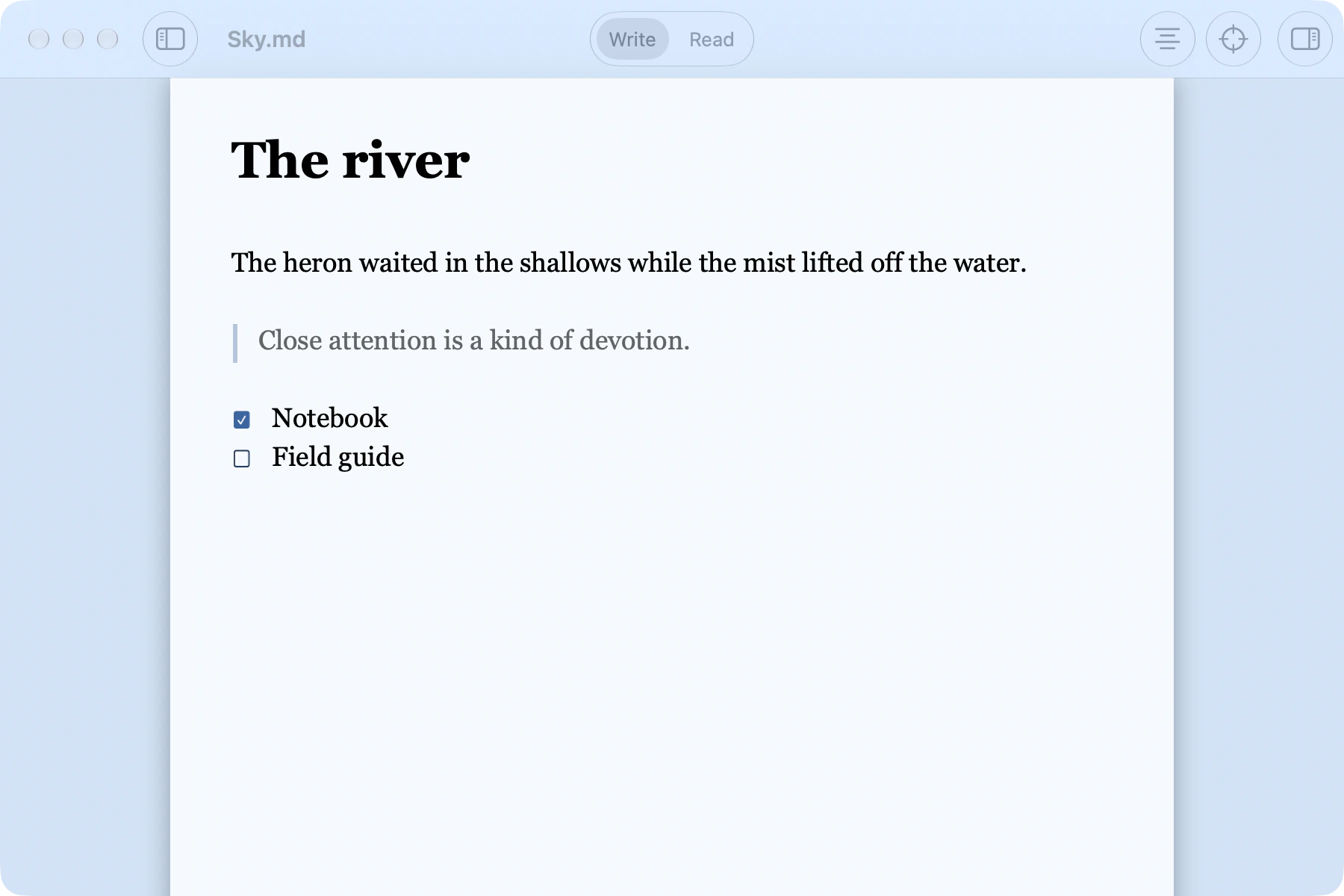
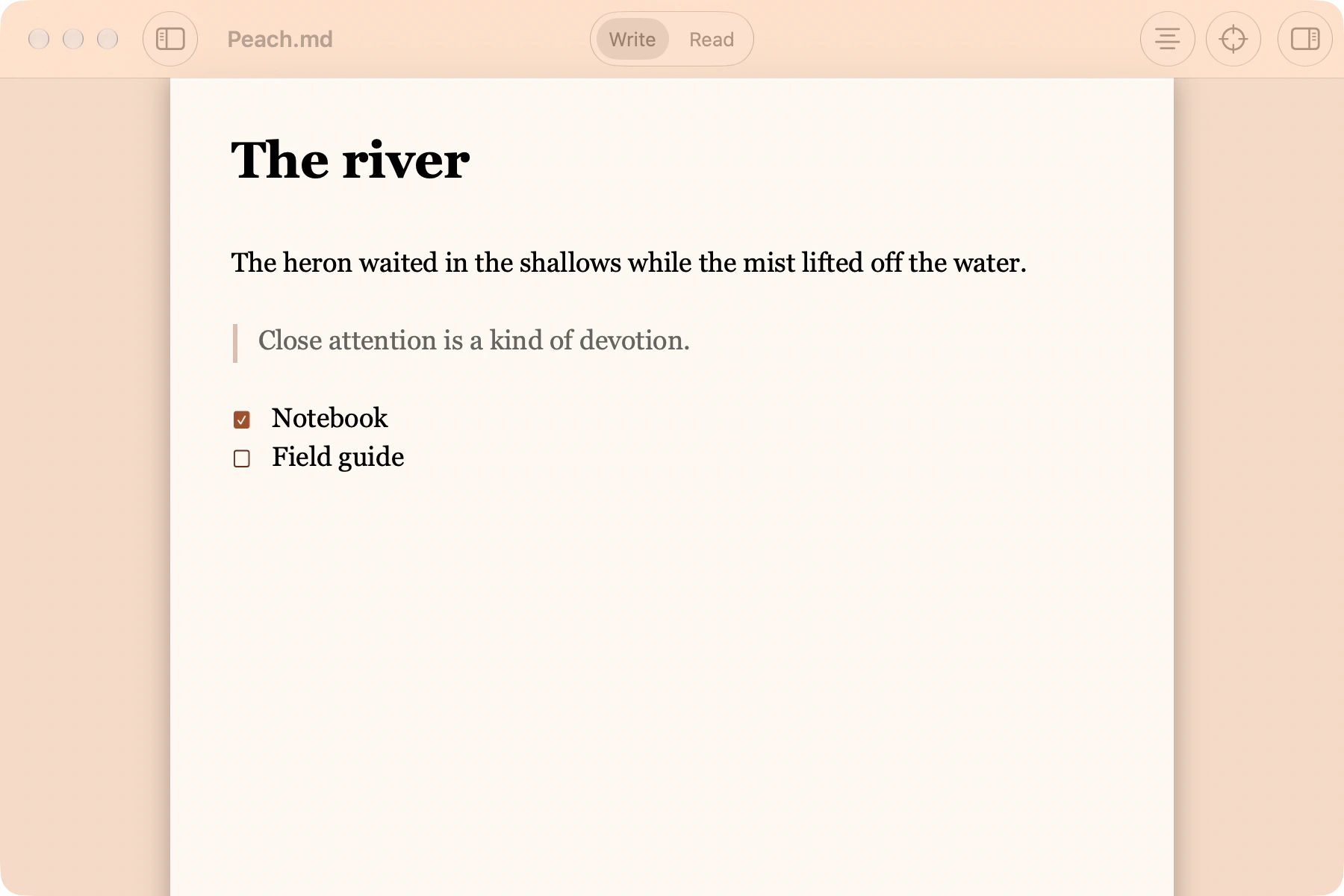
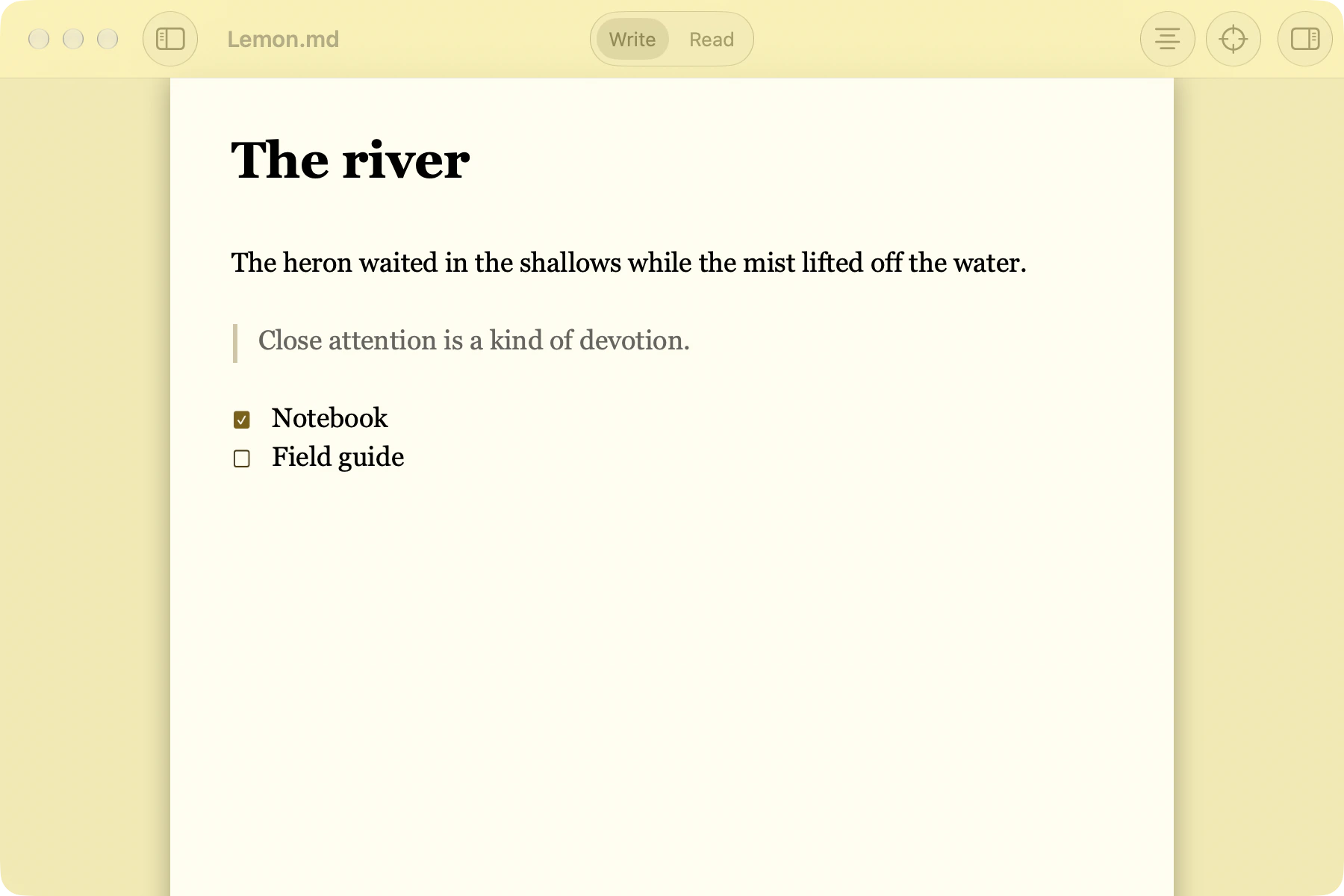
System follows light and dark mode. Manuscript, Sepia, Terracotta, Sage and Midnight each set the paper, the background and an accent, and so do six pastels: Blossom, Lavender, Mint, Sky, Peach and Lemon. Custom takes your own colors and paper padding.
Code has four color themes of its own, GitHub and Atom One in light and dark, or Automatic to follow the page.
A window that matches the page
Match window to page theme is on at first: each window takes its note’s theme, so the sidebars, the toolbar strip and the status bar share the page’s colors, and a dark theme such as Midnight makes the whole window dark. Buttons and menus stay standard Mac controls. A note on the System theme keeps the app’s window.
App appearance chooses System, Light Mode or Dark Mode, or any page theme for the whole app, Settings window included. Light Mode and Dark Mode keep Cartamd light or dark whatever macOS uses.
Four fonts, one page
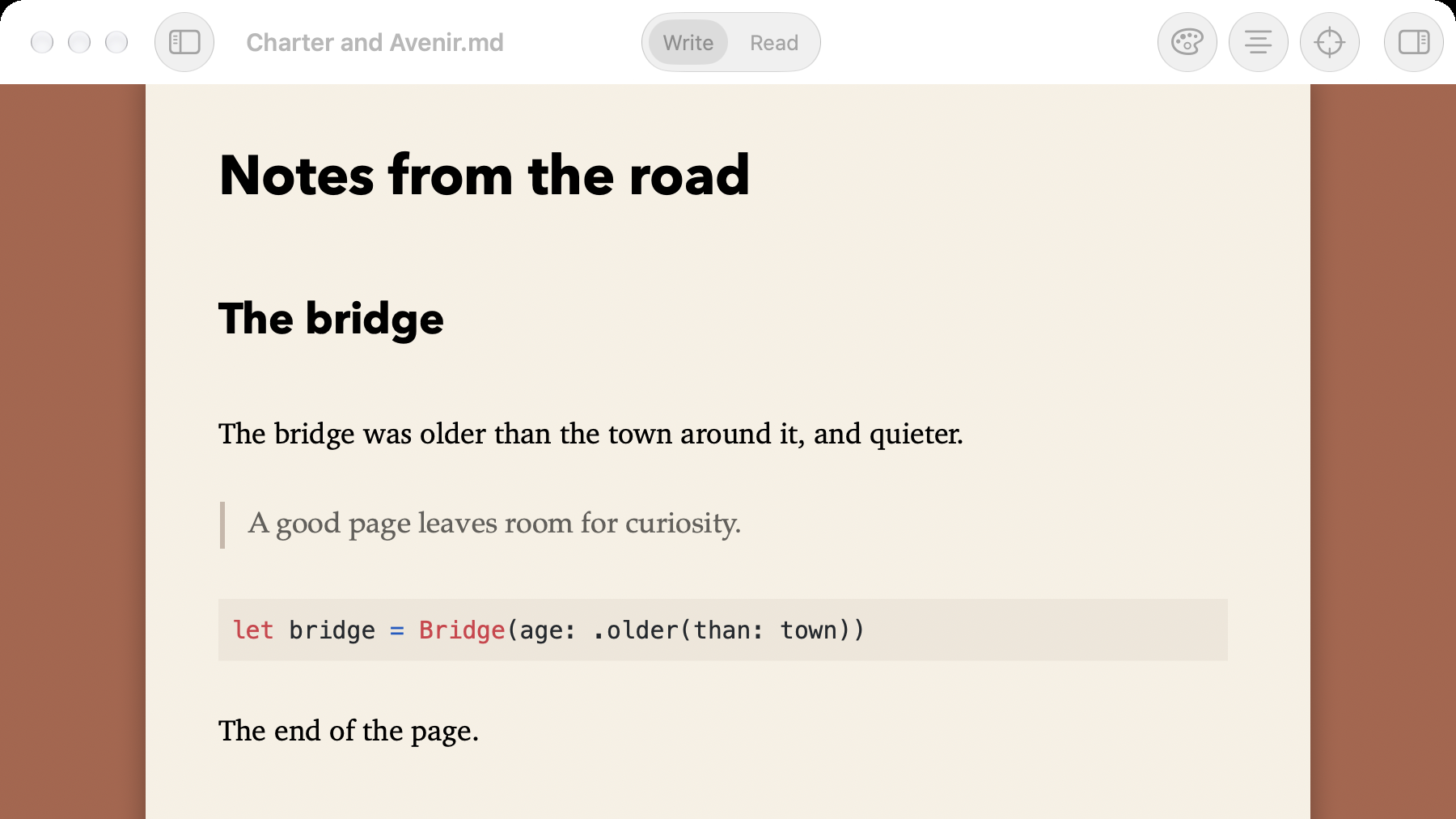
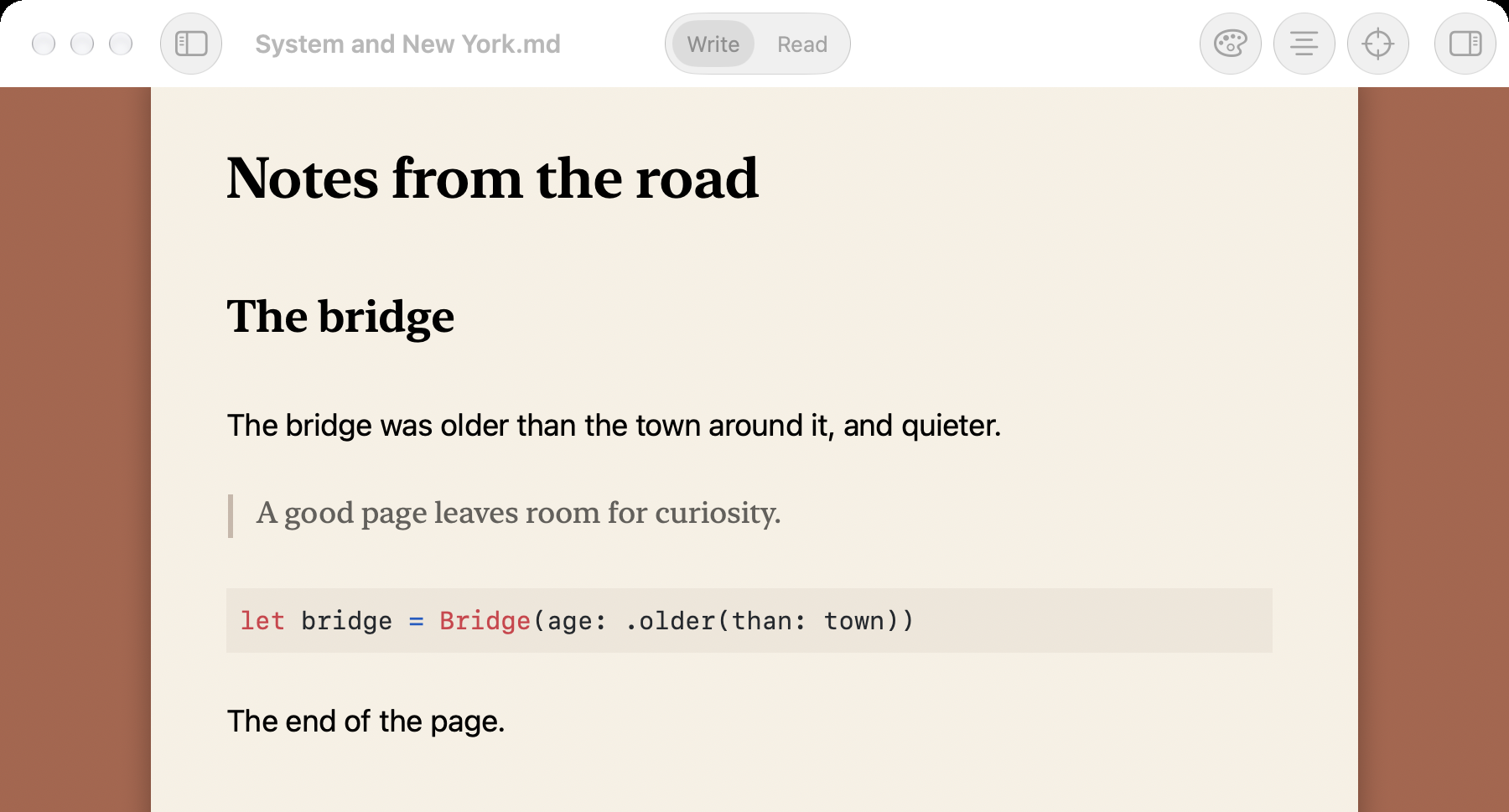
Font sets body text. Heading font and Quote font start as Same as Body and follow it until you pick one. Code font sets code. Each menu shows the fonts that come with macOS in their own face, and Other lists every font on your Mac.
Exports name the same fonts: styled HTML and PDF use all four, Word and EPUB too, and LaTeX sets them for XeLaTeX and LuaLaTeX.
In the note’s frontmatter
---
cartamd:
  font: Charter
  heading-font: Avenir Next
  quote-font: Palatino
  code-font: Menlo
---
Cartamd shows
In the note’s frontmatter
---
cartamd:
  font: system
  heading-font: New York
  quote-font: New York
  code-font: monospaced
---
Cartamd shows
The Appearance tab
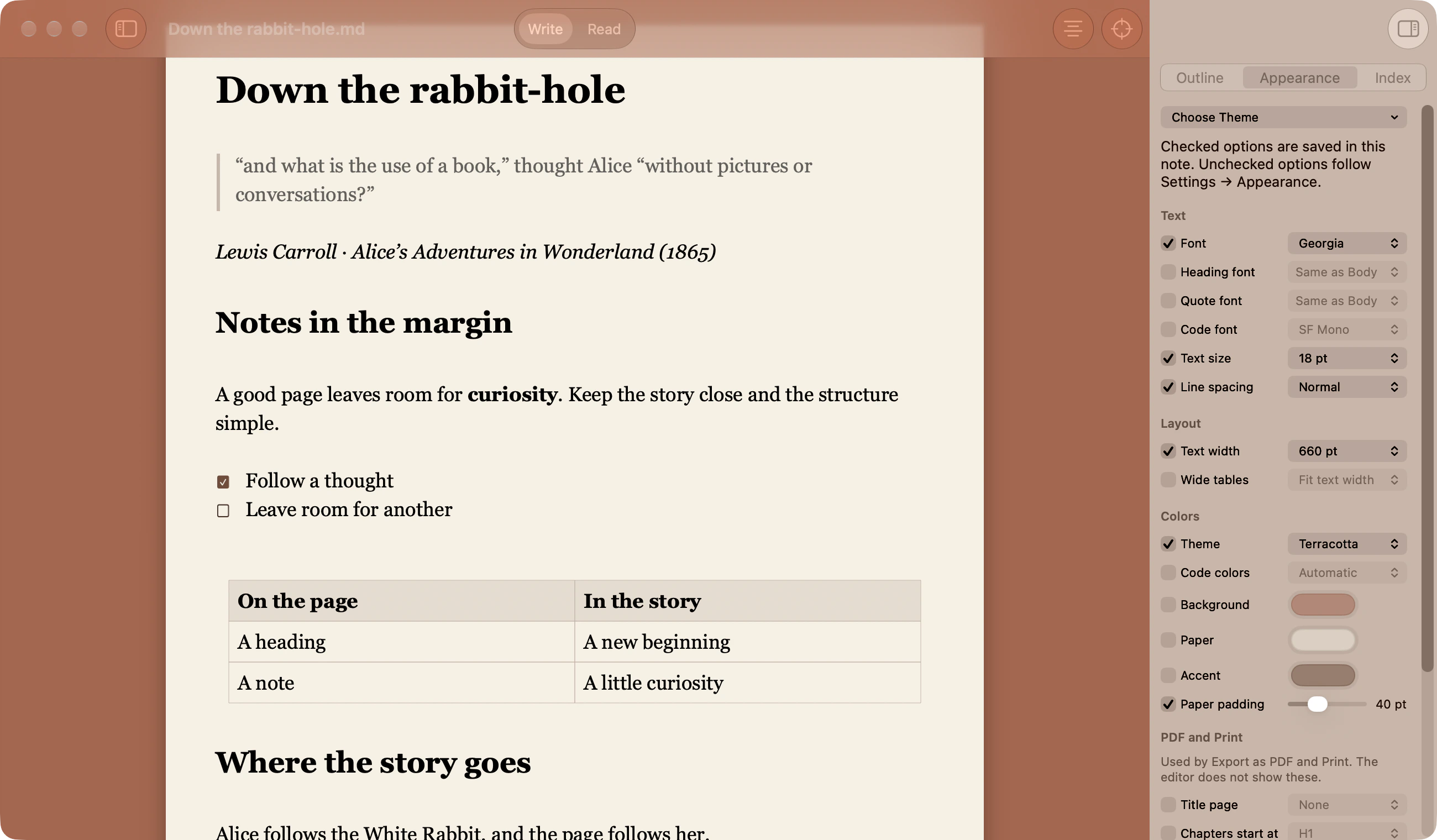
View → Appearance (⌘4) opens the note’s own settings in the inspector, grouped under Text, Layout, Colors, PDF and Print, and Writing. Check a field to save it in this note; unchecked fields follow Settings.
- Choose Theme copies a theme’s colors and type into the note.
- Make These the Defaults sends this note’s look to Settings.
- Reset to Defaults removes the note’s settings. Both can be undone.
Defaults in Settings
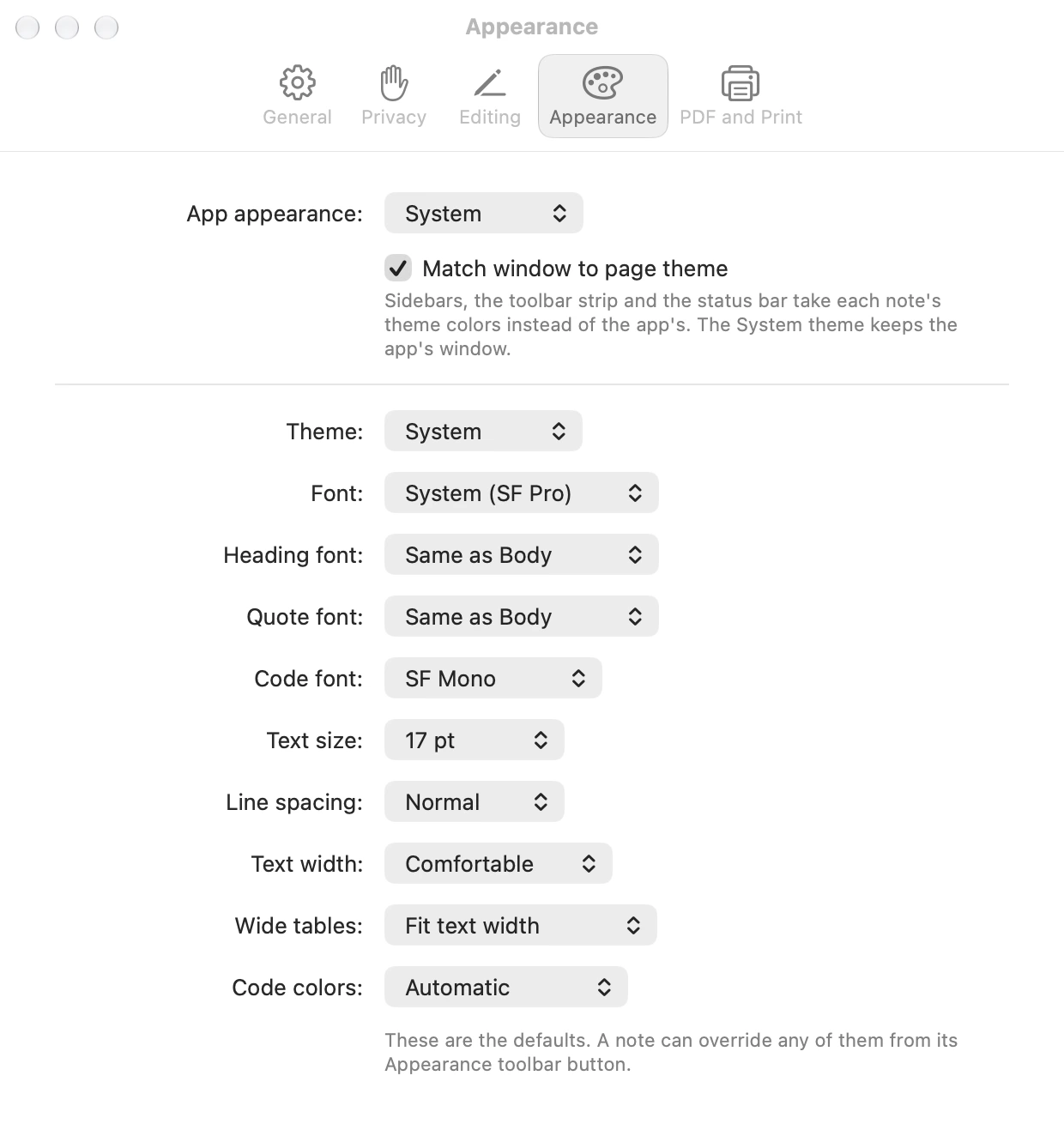
Settings → Appearance holds App appearance and Match window to page theme, then the look every note starts with: theme, the four fonts, text size, line spacing, text width, wide tables and code colors. Size, spacing and width list common values, and Custom… takes any other, such as 19.5 pt.
⌘+ and ⌘- change the default size; a note with its own size keeps it.
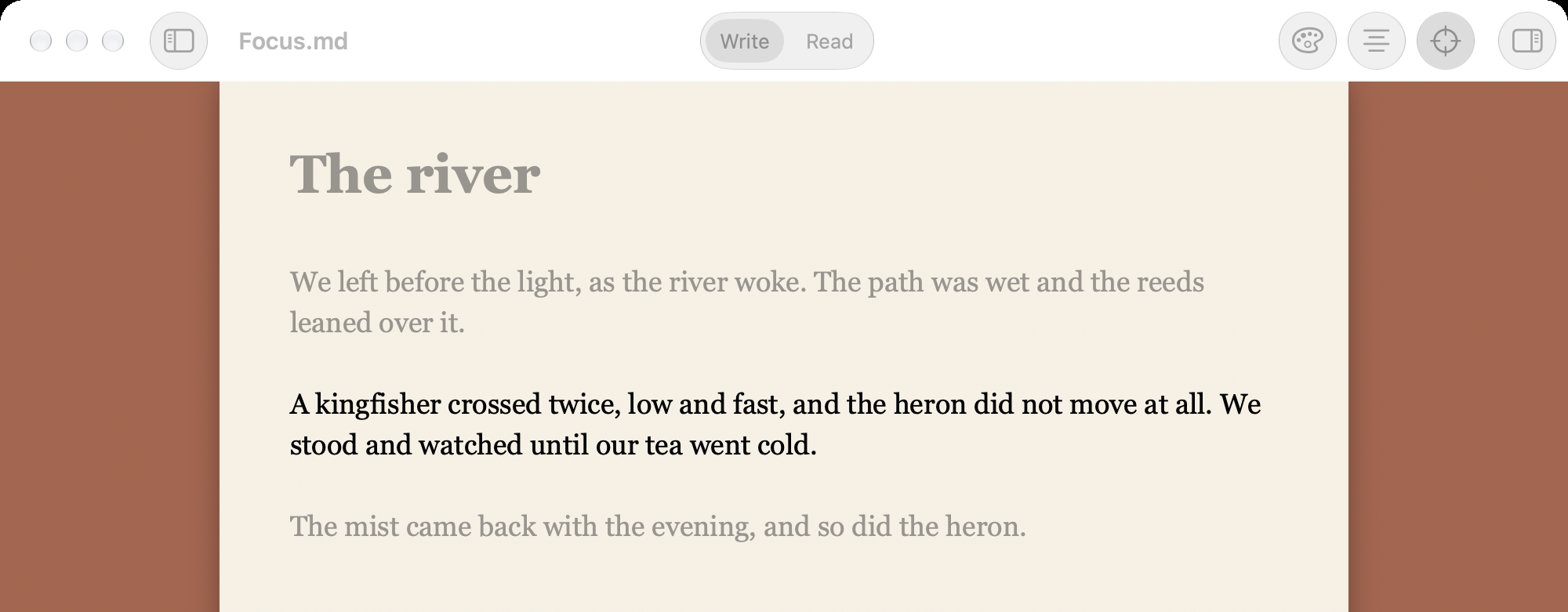
Focus and Typewriter
Focus (⇧⌘F) dims every paragraph but the one you are in. Typewriter (⌃⌘T) keeps the line you are writing in the middle of the window. They work together, and their toolbar buttons stay lit while they are on. On iPhone and iPad both are in the More menu, and Typewriter keeps your line in the middle of what shows above the keyboard.